Explore

Need help with your project?

Oops! Something went wrong while submitting the form.
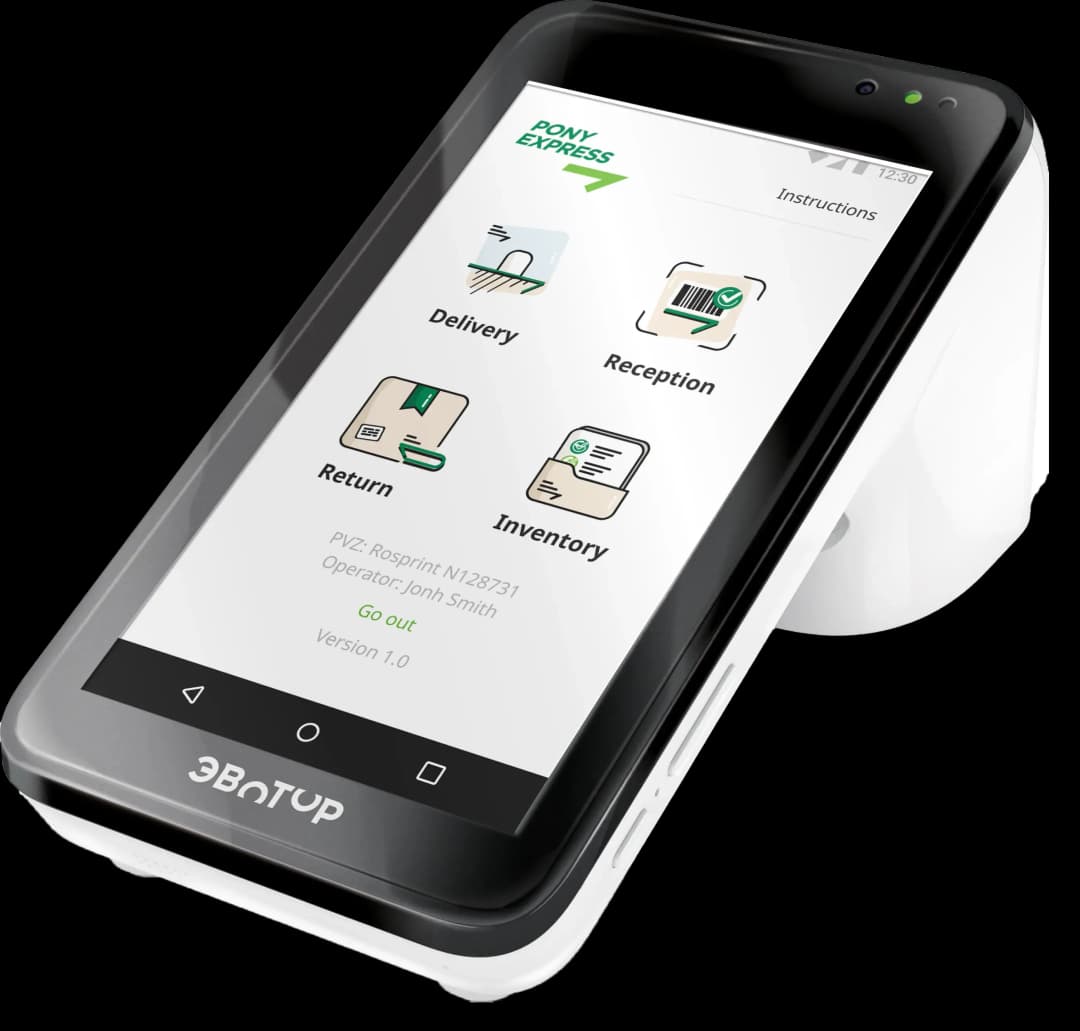

PonyExpress Mobile Post Office




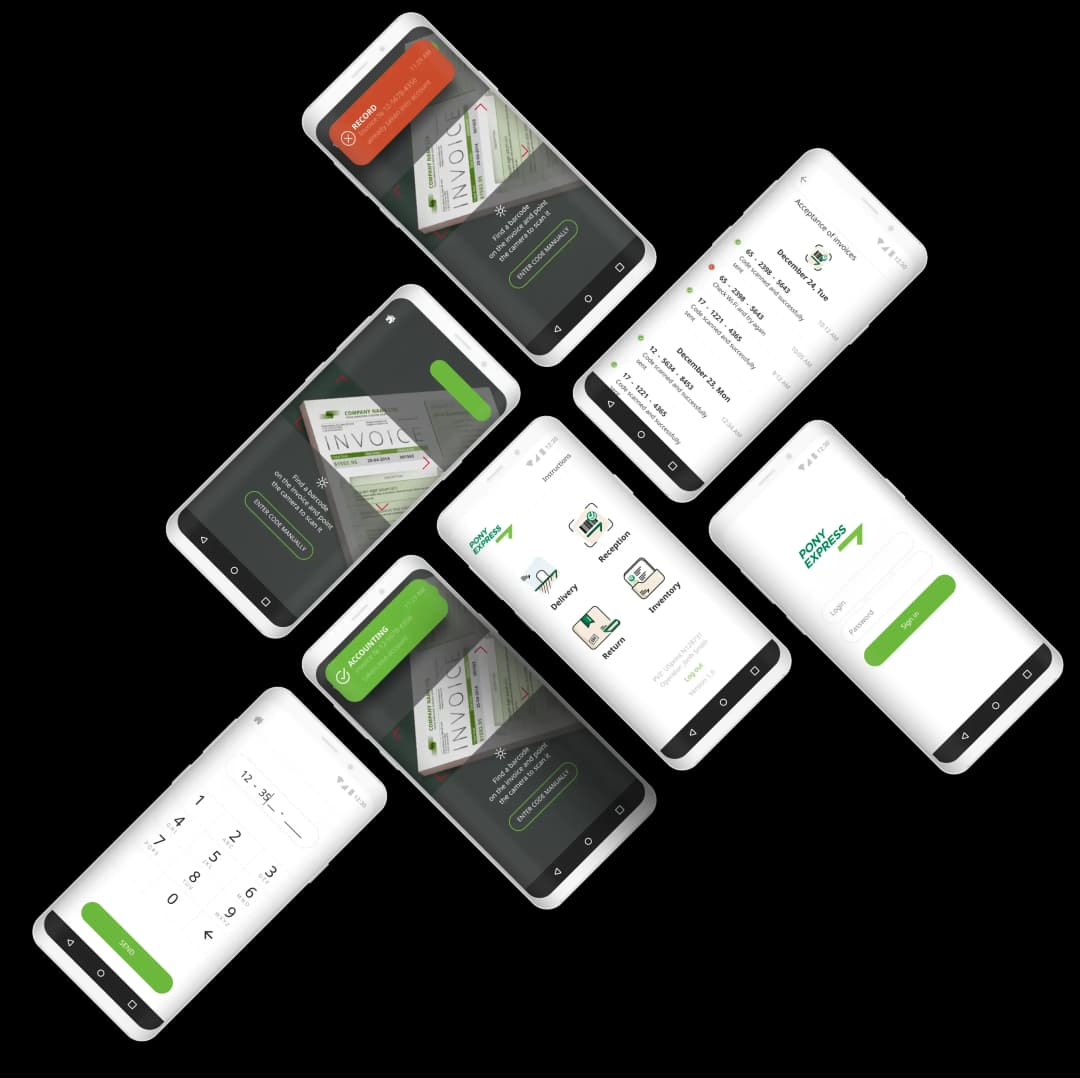
PonyExpress goal was to create a large network of parcel hand-in and hand-out points. To do this, we needed to develop a simple interface for their Android application. The main challenge was: dispatchers who will operate the system on average are at pre-retirement age + the system will be integrated into Evotor terminals.
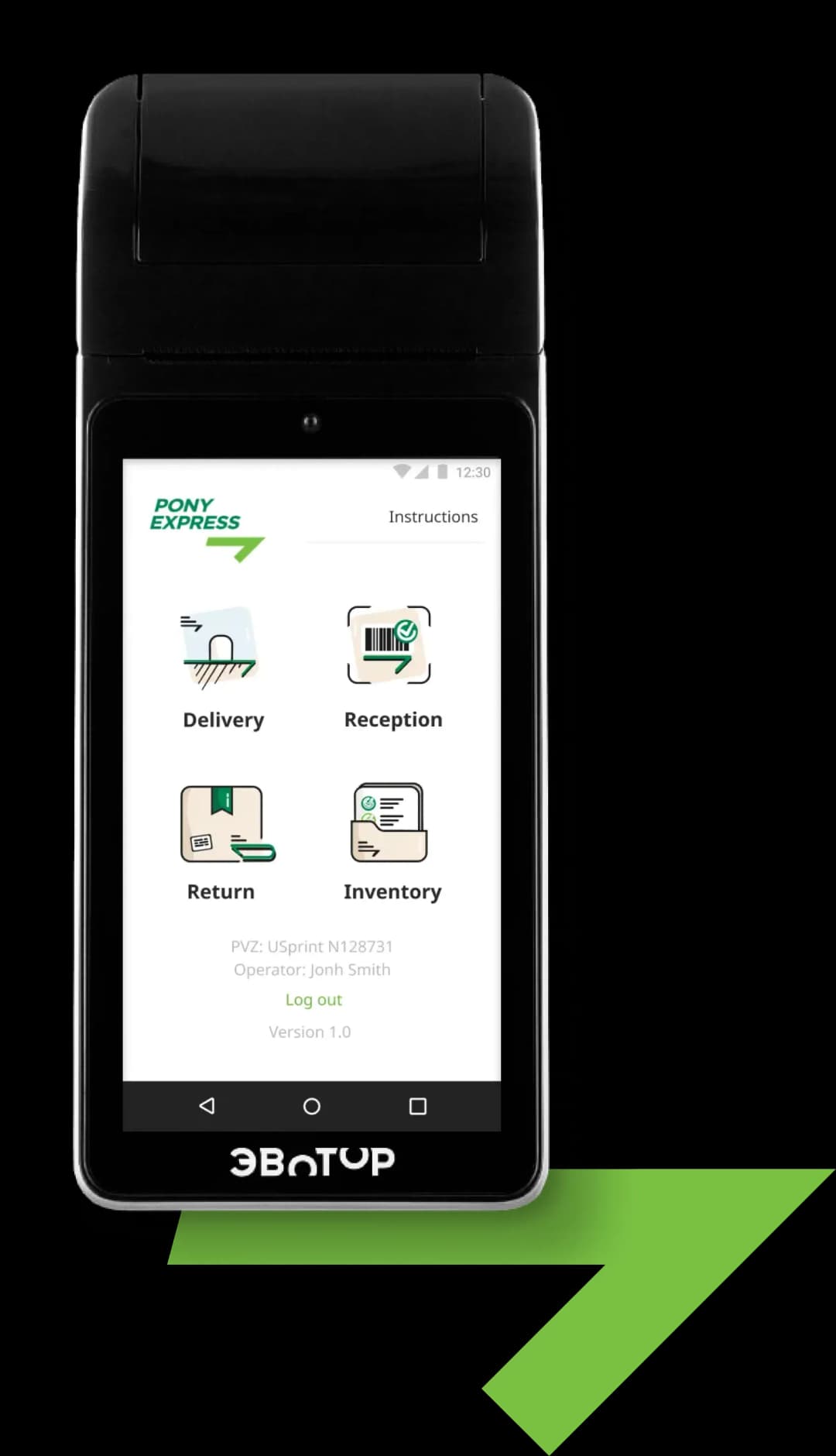


In the global business scenario, there are 3roles assumed: courier, client and dispatcher. However, this particular system is intended for use only by the dispatcher.
Global use case:
1) courier brings parcels to the order hand-out point;
2) dispatcher confirms receipt of the parcels by scanning the barcode;
3) global status of the parcel changes to: “Delivered to the orders hand-out point”;
4) client receives a notification that his order is delivered;
5) client arrives at the pick-up point and shows the dispatcher a bar code or the order number;
6) dispatcher confirms the delivery of the order by scanning the bar code or entering the order number manually.
In the global business scenario, there are 3roles assumed: courier, client and dispatcher. However, this particular system is intended for use only by the dispatcher.
Global use case:
1) courier brings parcels to the order hand-out point;
2) dispatcher confirms receipt of the parcels by scanning the barcode;
3) global status of the parcel changes to: “Delivered to the orders hand-out point”;
4) client receives a notification that his order is delivered;
5) client arrives at the pick-up point and shows the dispatcher a bar code or the order number;
6) dispatcher confirms the delivery of
the order by scanning the bar code or entering the order number manually.


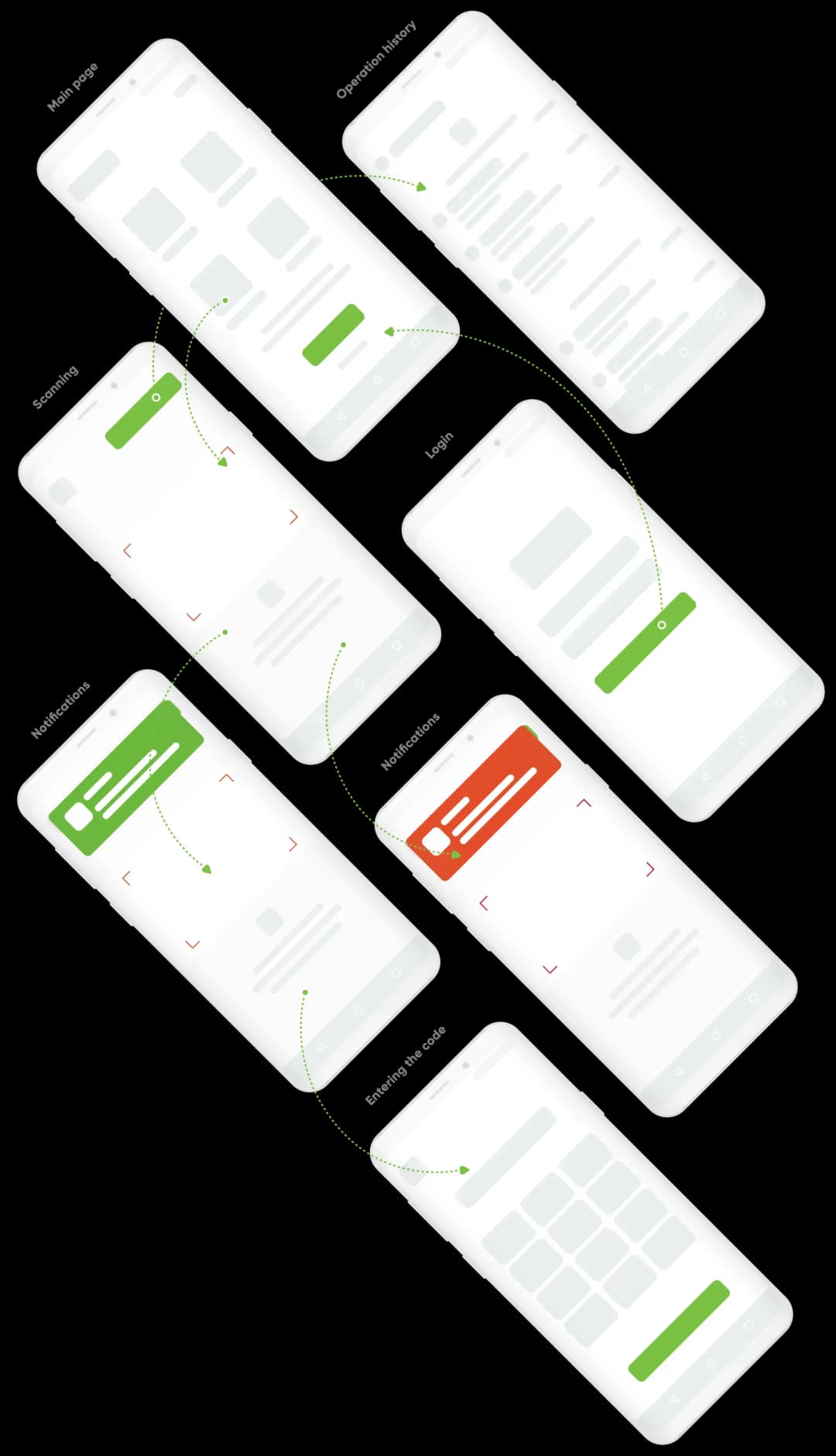
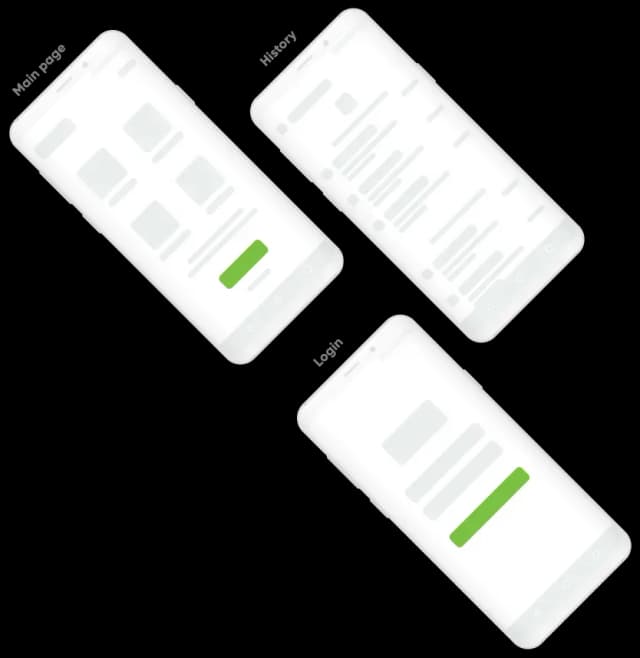
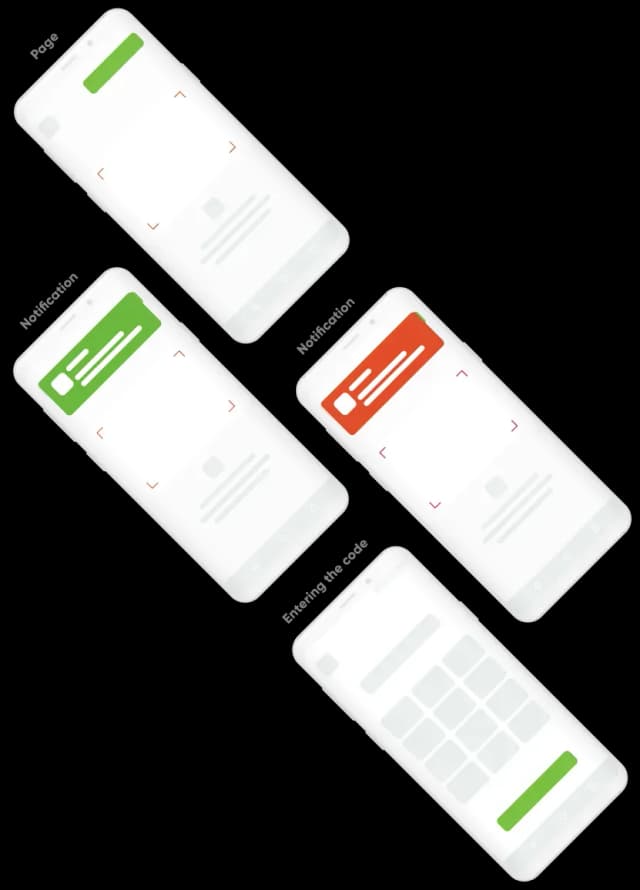

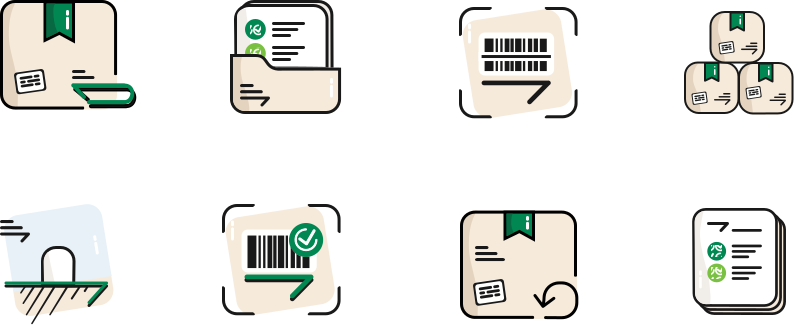




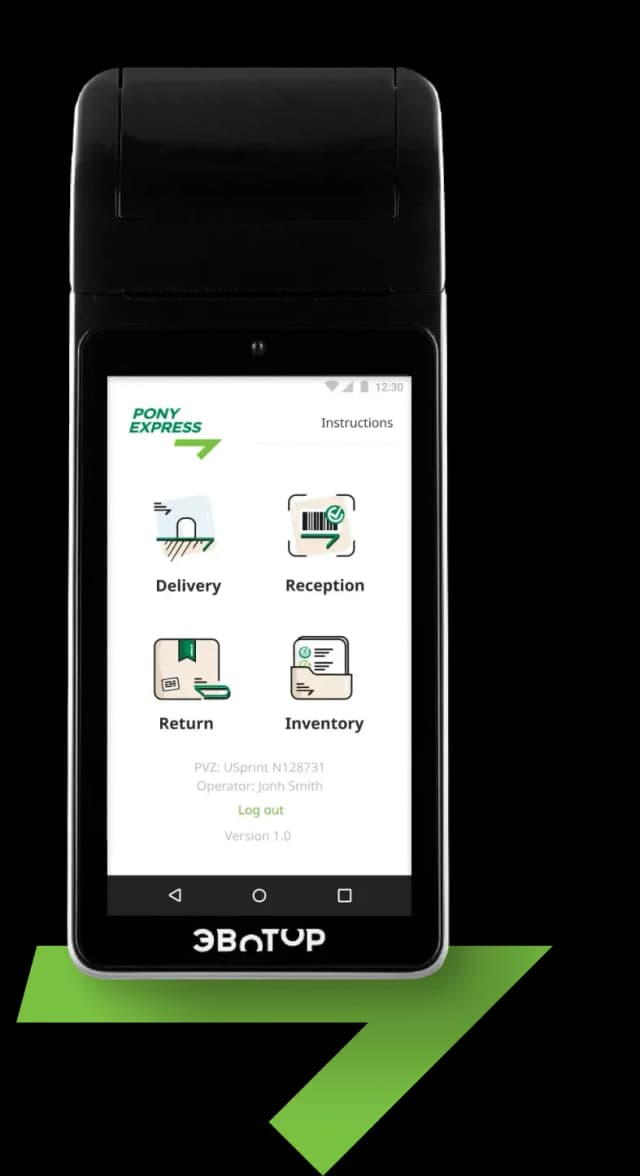
During the UI design, we’ve put emphasis on the most frequently used functions, such as: hand-out, receiving, returning and accounting. Obviously, we’ve made big buttons (do not forget about the target audience age) and made sure that all the alerts are clear and eye-catching so that the user won’t miss them, for example:the dispatcher receives a bright redalert in case of unsuccessful scanning.
The team who worked on the project consisted of 4 specialists: a manager, a designer and 2 developers. It was developed with React Native. As a result, we came up with a small but very useful product which helps you optimize the process of tracking the status of the order. Plus, it enables PonyExpress to easily expand the number of order pick-up points and strengthen its position in the logistics market.