Explore

Need help with your project?

Oops! Something went wrong while submitting the form.


Mobile App • UI/UX
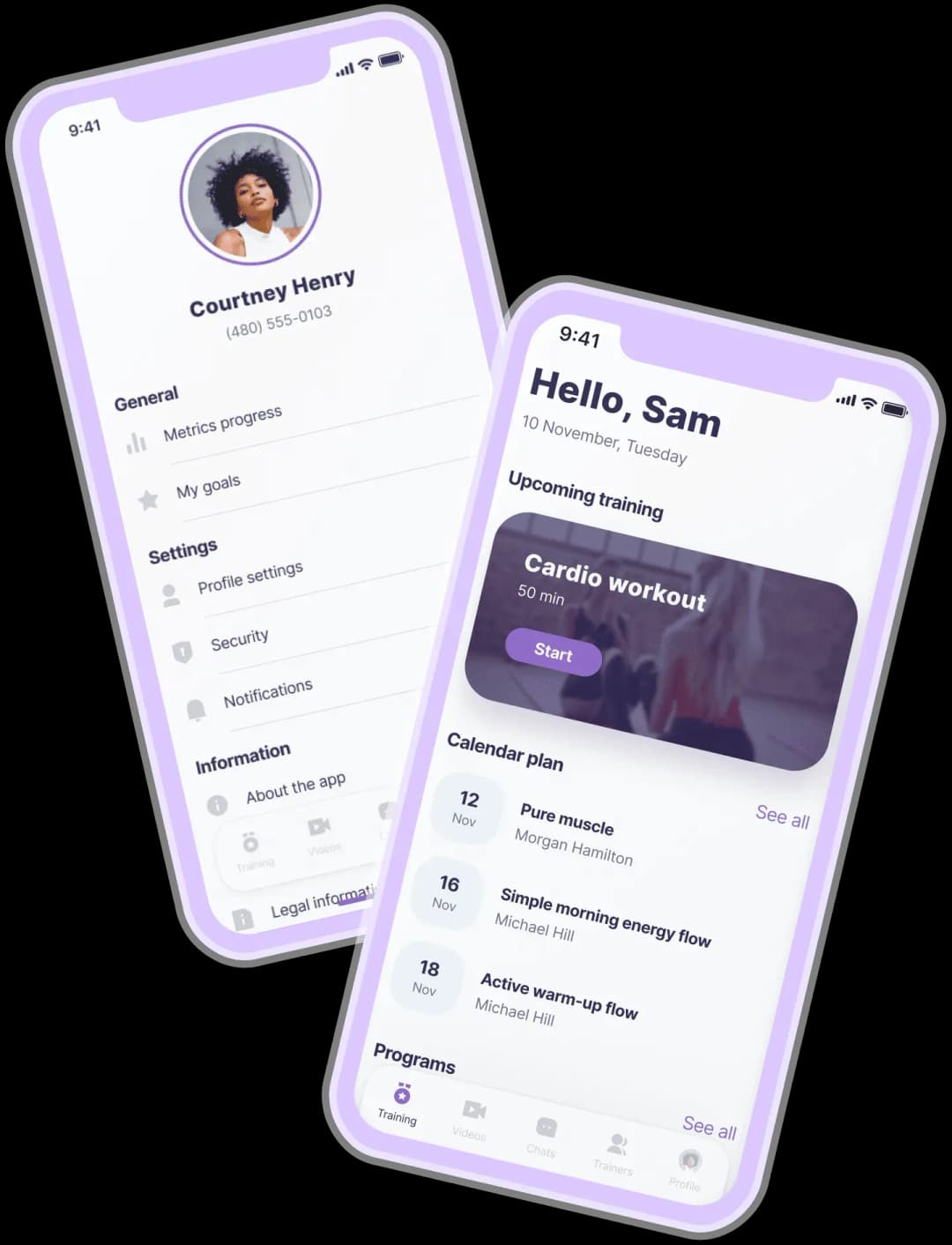
An app for online workouts that allows users to stay in touch with their personal trainers 24/7, make up training programs and share progress with friends.






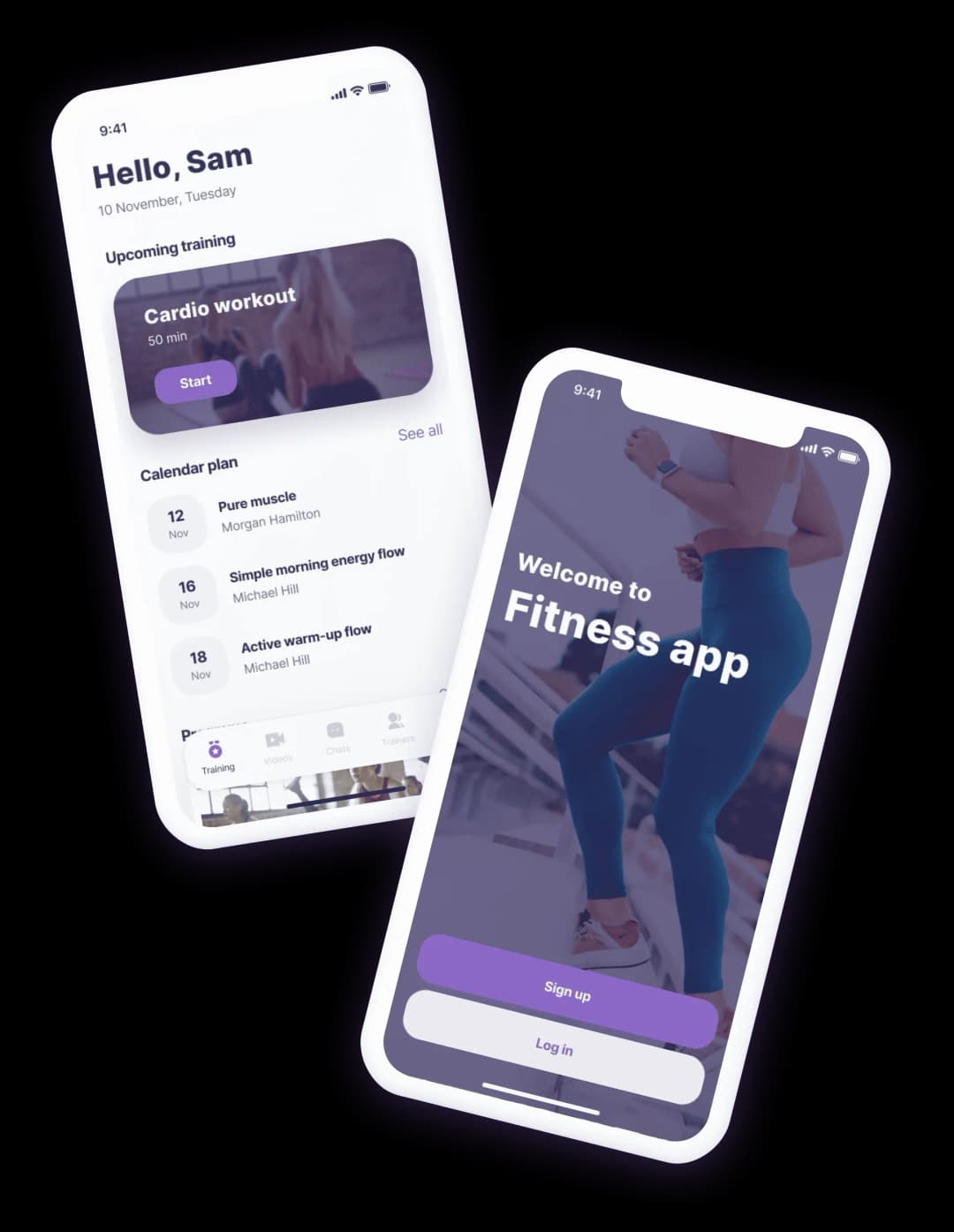




The customers came to us when they already had the pool of trainers to cooperate with.
The idea of the app was simple — to help people train and get consultations at home as in a fitness center.
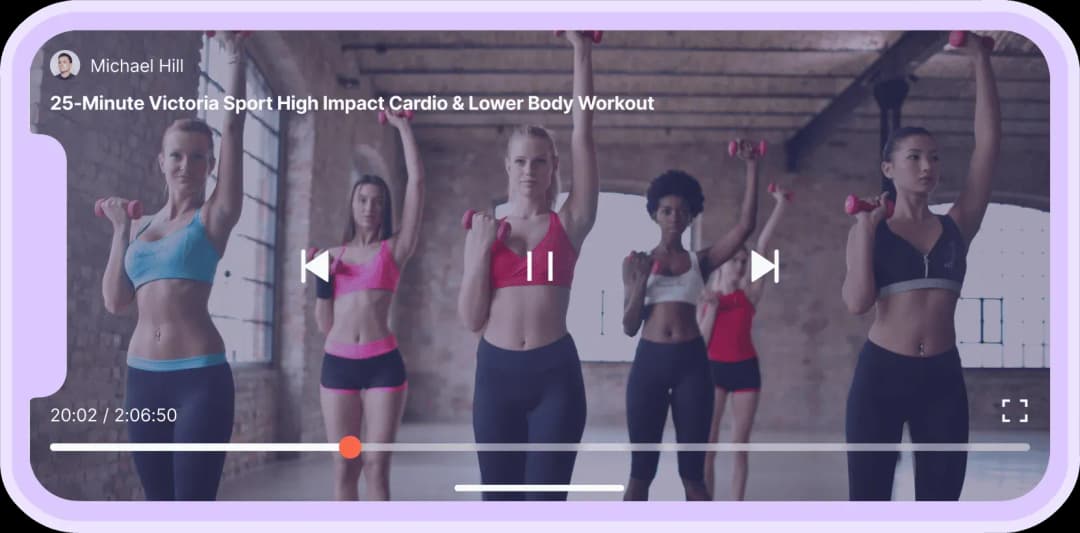


1. If a user practiced at a gym but decided to continue practicing at home. In this case, the app allows them to communicate with the trainer and watch video instructions for exercises.
2. If a user hasn’t practiced with a trainer before, they can download the app to find a trainer. After that, the trainer will create an individual training program for them.
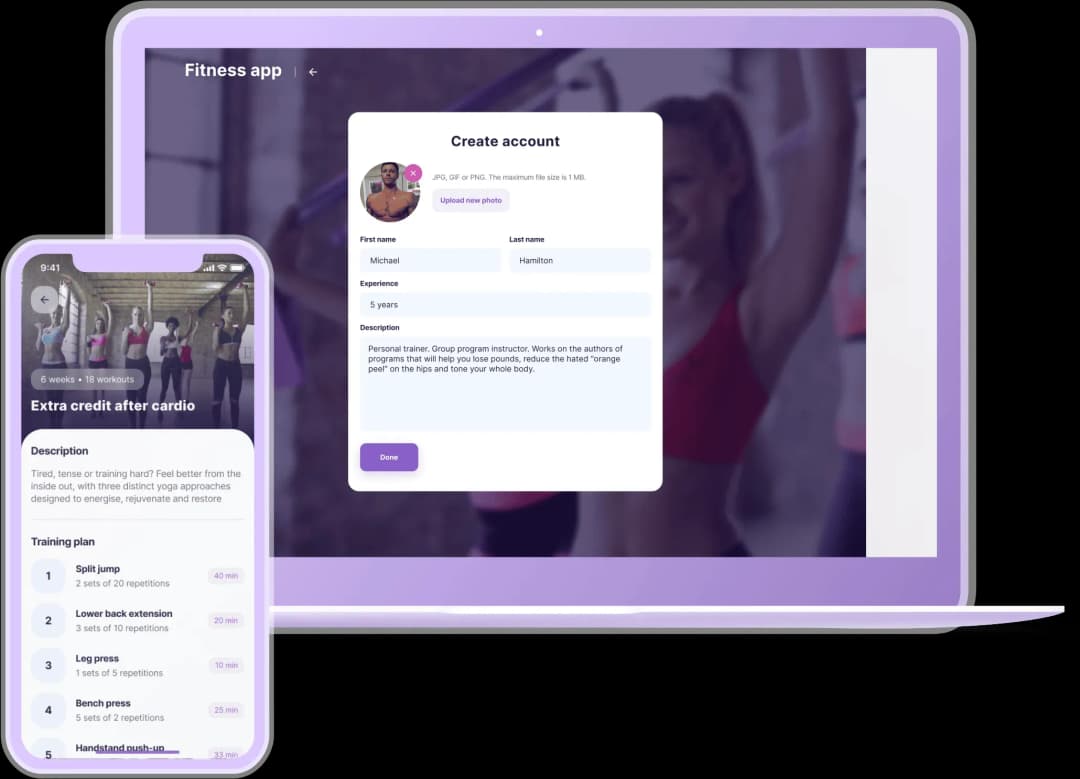
We made a mobile app for clients so that they always have their exercises ‘at hand’, and a web version for trainers.

-1.webp&w=640&q=75)
The killer feature is that a client can practice at home with the same trainer as at the gym. The client pays only for those exercises they need, not for full programs. For example, a client can get a workout plan for weight loss or back muscles enhancement.

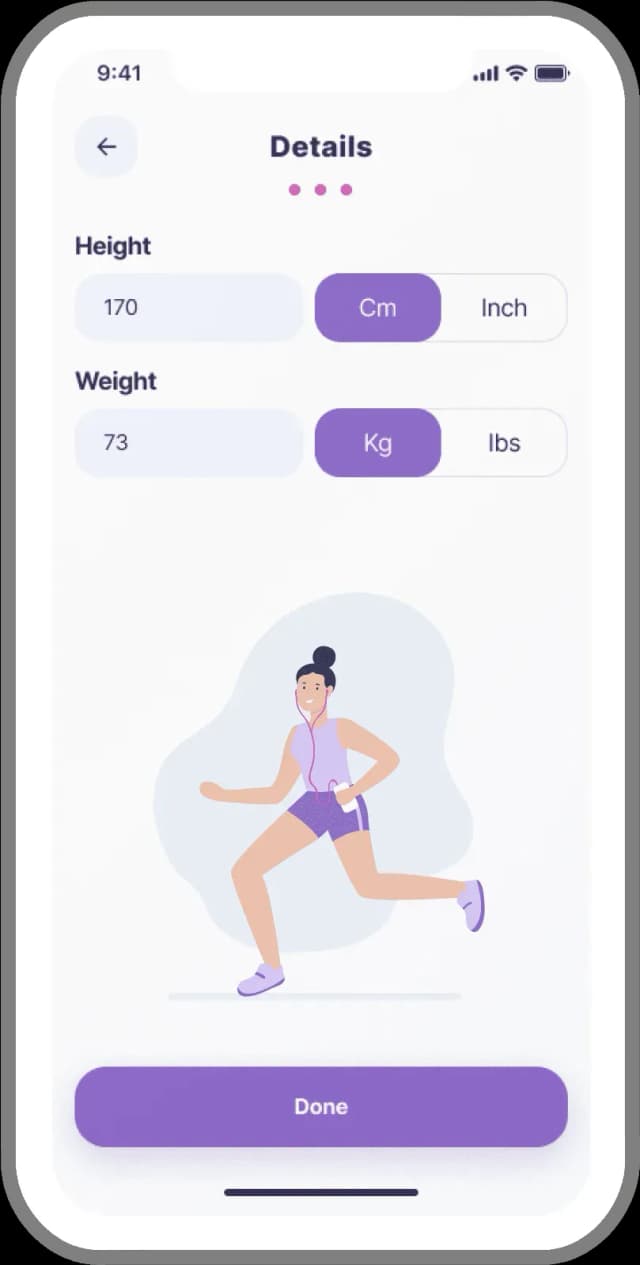
A client creates an account and fills out the profile: goals and body measurements. They can find a trainer and discuss all the terms in chat — price, number of workouts and exercises. The training plan will be displayed in the calendar.

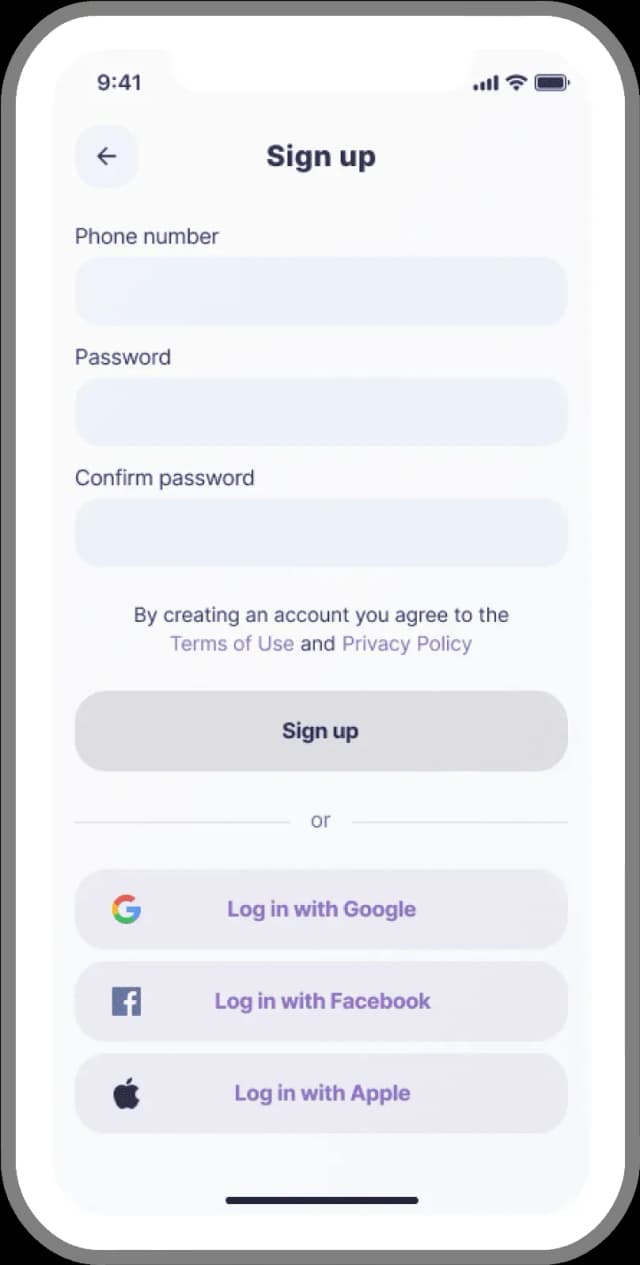
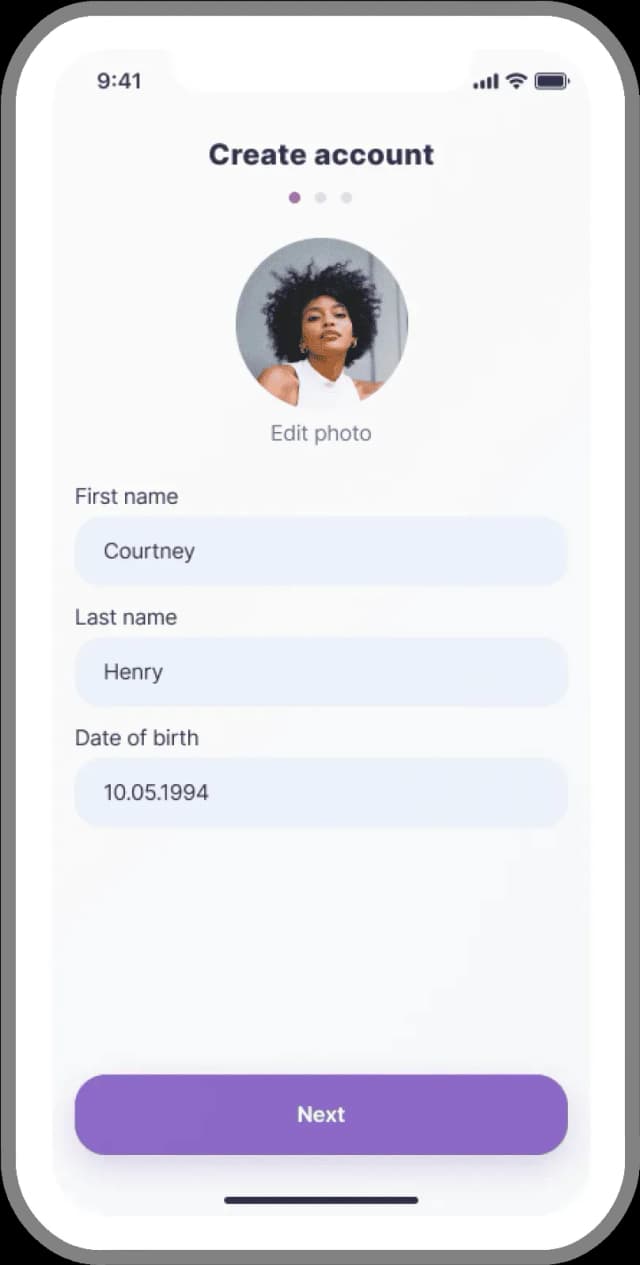
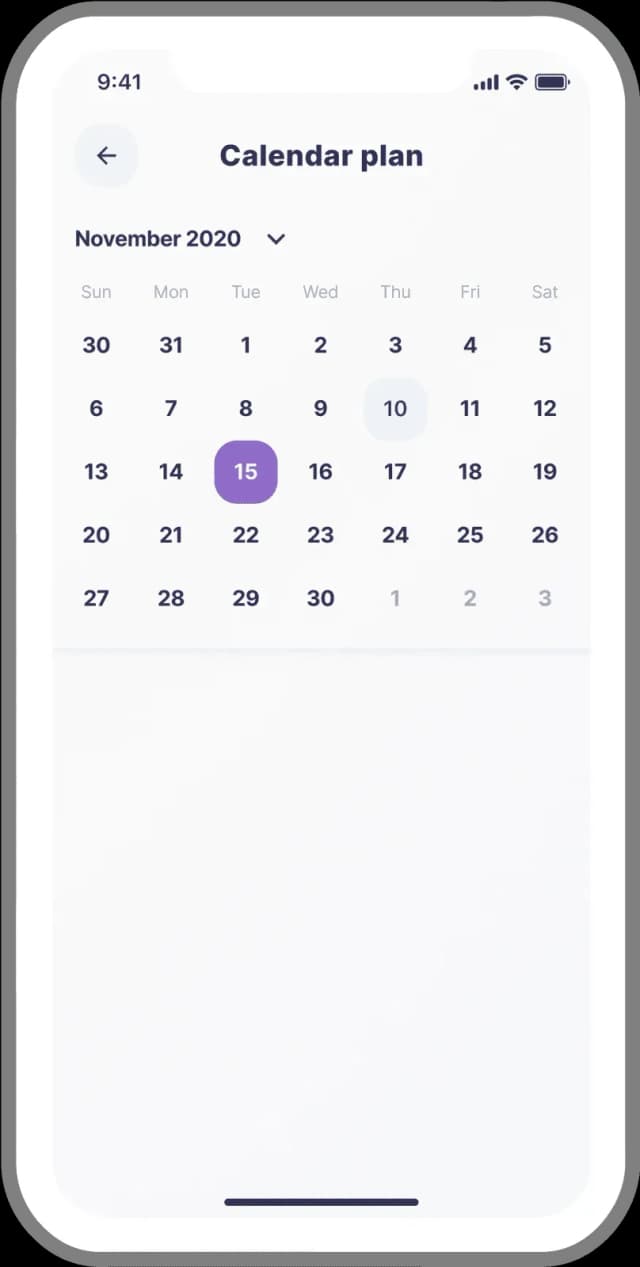




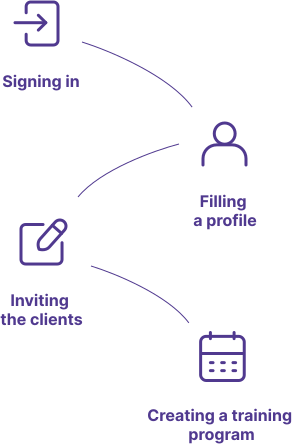
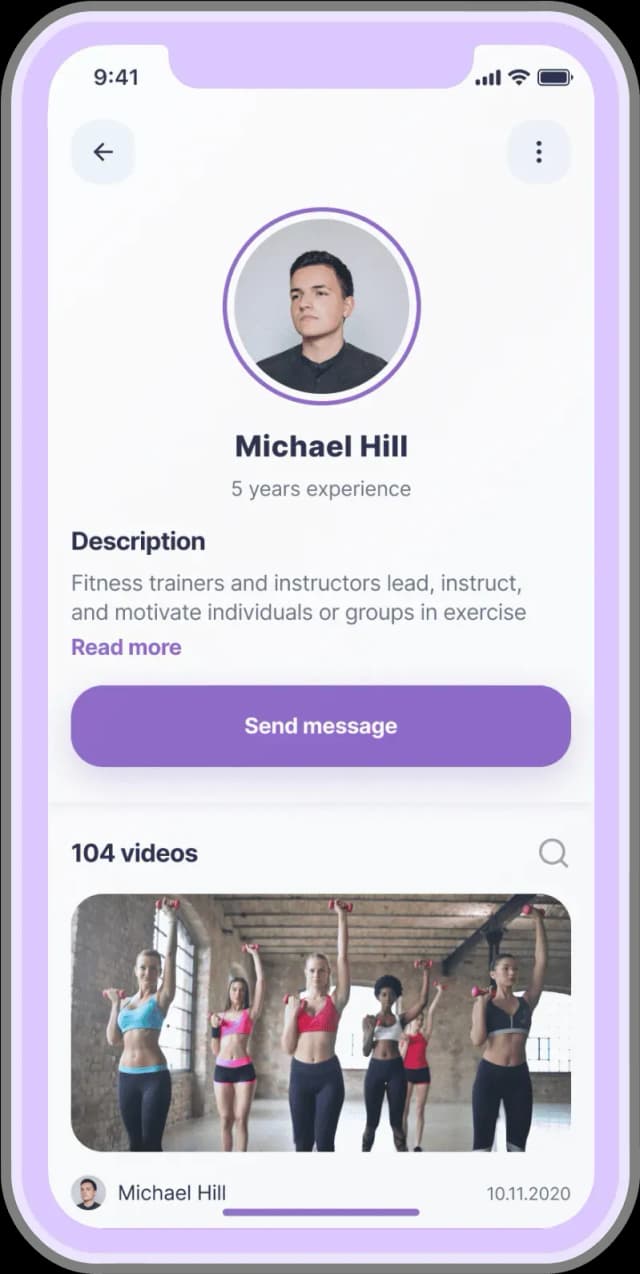
A trainer registers in the web app and fills profile with content — exercises they specialize in. The trainer can search for the clients, send them requests, and offer services.
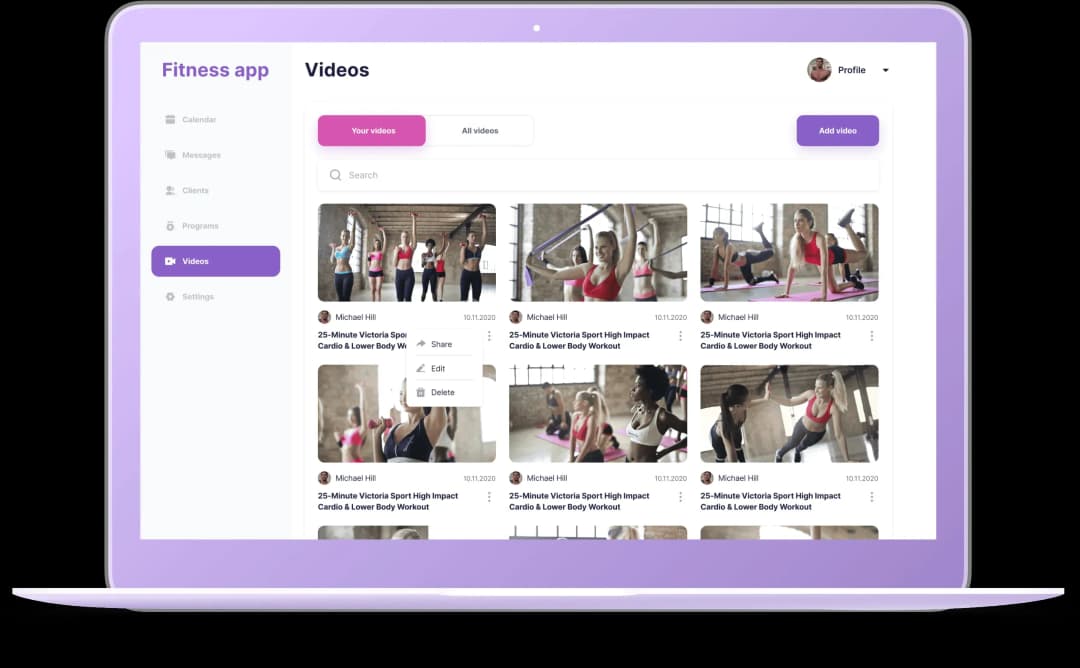


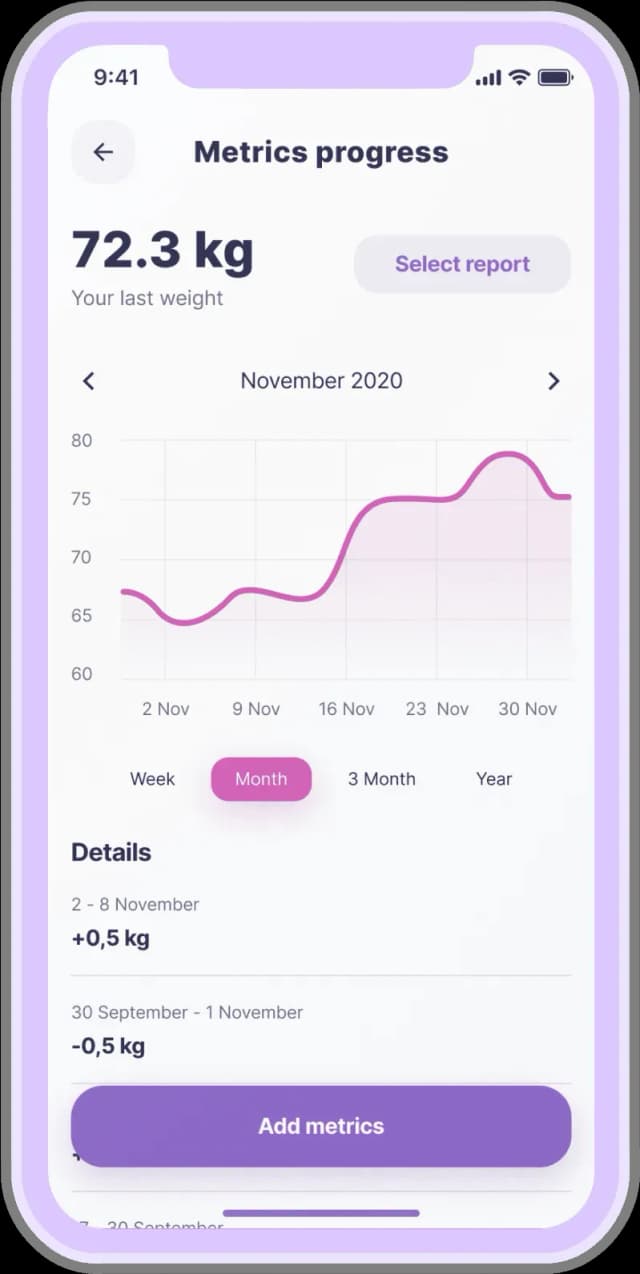
UI — we made a an attractive and modern interface with 2 primary colors: purple and pink
Clickable area — the size of buttons in Fitness app is 52px according to Apple guideline
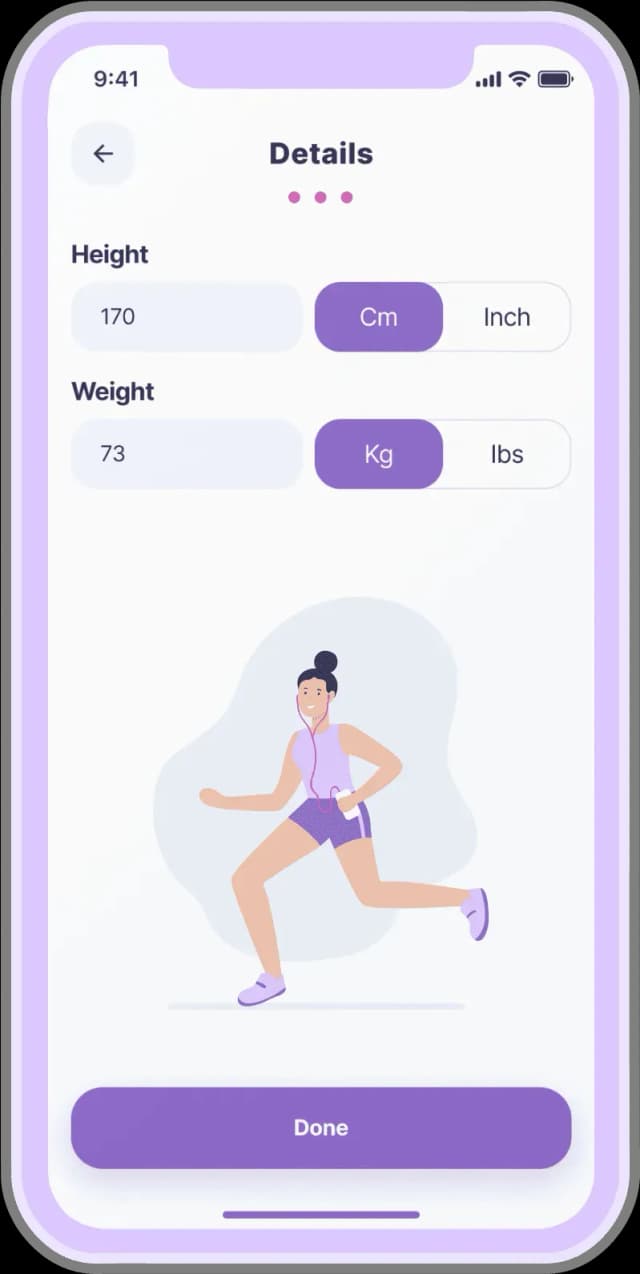
Onboarding — the users point out their indicators and body measurements on one screen
Text in cards — we put the text on a contrasting background for better readability

Initially, at the design stage, we made graphs that show statistics of body changes but after project estimation, we decided to implement it after the release.



The reference for the Fitness app was one of our previous projects — Fitforce. The customers requested us to do something similar, but in the end we made a completely different design.
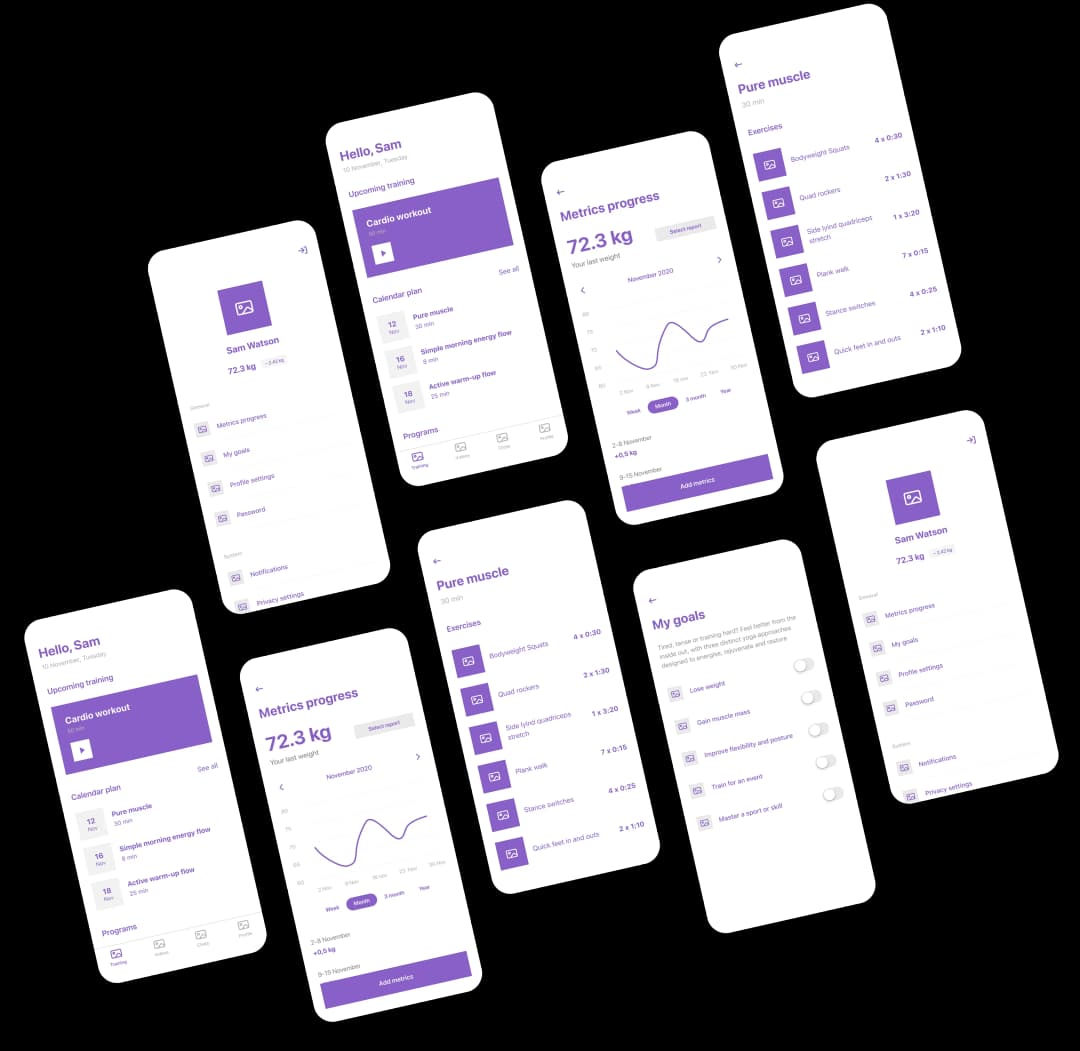
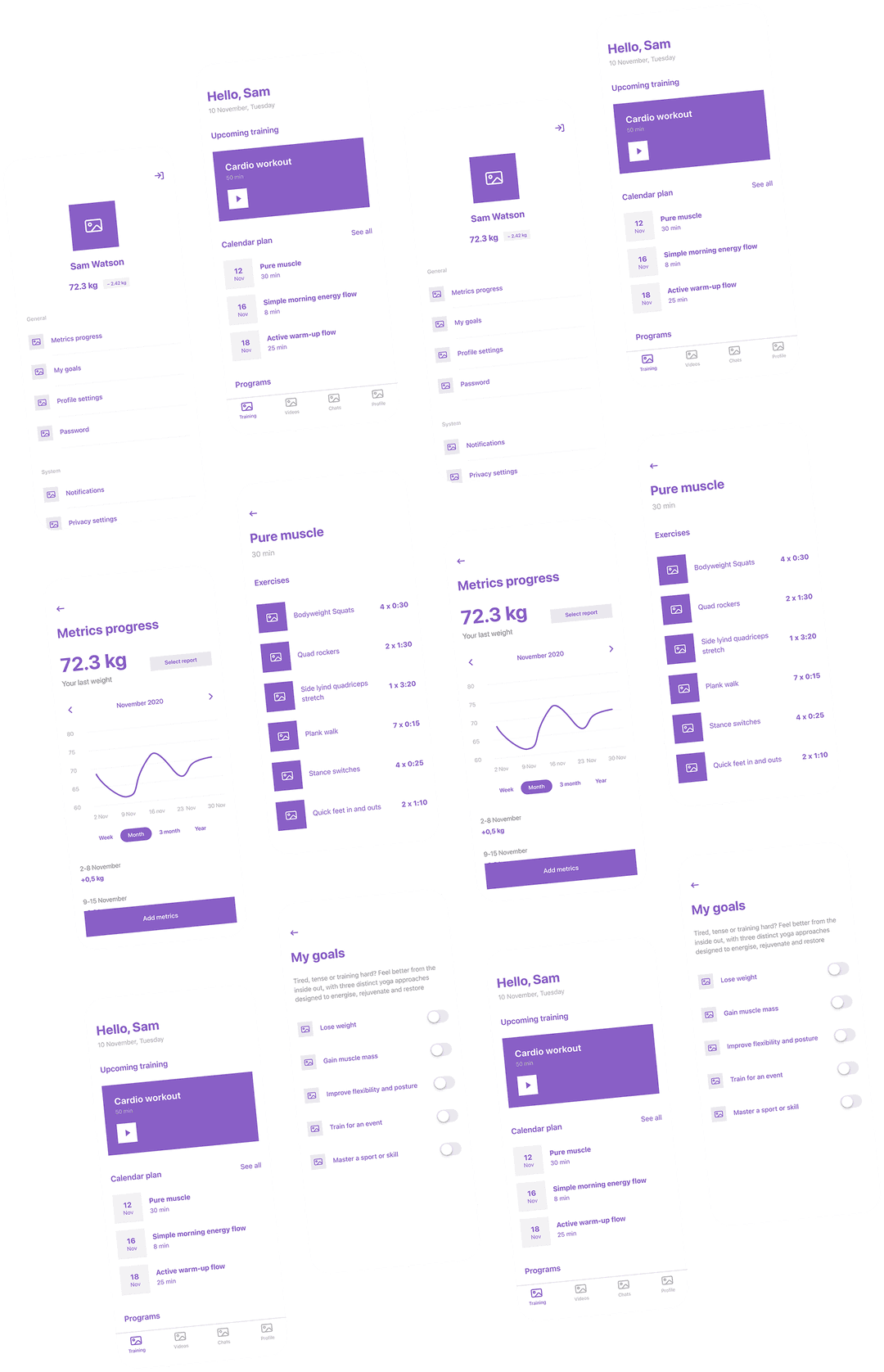

At each demonstration, we showed a finished part of the functionality to the client so that they could ‘touch and feel’ the project and give feedback.
We used Vimeo for video, Auth0 for authorization, Pusher for chats between clients and trainers, and Stripe for payments.









#27284A

#8763C4

#D455B1


-1.svg)
Completing the system of subscriptions for trainers — the higher the subscription level, the more clients a trainer can take
Completing the functionality of workout plans
Adding the ability for trainers to send invitations to clients