Explore

Need help with your project?

Oops! Something went wrong while submitting the form.
Most guides to custom web application development quote a cost range so wide it's useless: "$5,000 to $500,000+." That range tells a founder nothing about their project. Custom web application development is the process of designing and building browser-based software around a specific business's workflows, rather than adapting an off-the-shelf tool. At Purrweb, the median project across real client work runs about $10,000, with most falling between $3,000 and $15,000 for a scoped MVP build.
This guide walks through what a custom web app actually is, when a business needs one instead of off-the-shelf software, what the build process looks like step by step, and what really drives the price. Purrweb has been building web and mobile products since 2014, based in the UAE, working mostly with startups and small-to-midsize teams. The numbers below come from that project history, not industry averages.
Key takeaways
Custom web application development is the process of designing and building browser-based software tailored to one company's specific workflows, instead of configuring a pre-built tool to approximate them. The output runs in a browser, talks to a database and APIs the team controls, and gets shaped around how the business actually operates rather than around a vendor's assumptions about a generic customer.
That distinction matters because "custom" gets used loosely. A Squarespace site with a contact form isn't a custom web application: there's no application logic, no user accounts, no data the software is acting on. A Shopify store with a few tweaked templates isn't one either. A custom web app has logic: it stores data, applies rules to it, and changes what a user sees based on who they are and what they've done.
Off-the-shelf software (Salesforce, HubSpot, Notion) ships with a fixed data model and workflow, and the business adapts its process to match. A custom web app inverts that: the data model and workflow get built around the business first. The tradeoff is straightforward. Off-the-shelf is faster to start and cheaper up front. Custom costs more initially, but it doesn't force a team to work around software limitations for years.
Teams that outgrow three or four connected SaaS tools, each handling one slice of a workflow with none talking to the others cleanly, are the ones who usually end up commissioning a custom build. The trigger isn't dissatisfaction with any single tool. It's the manual work of reconciling data between them.
A web app runs in a browser and updates instantly without an app-store release cycle. A mobile app installs on a device, gets access to hardware (camera, GPS, push notifications), and works offline. Internal tools, admin dashboards, and B2B software usually make more sense as web apps: the user base is desk-bound and update speed matters more than offline access. Consumer products with location or camera dependencies usually need a native or React Native mobile layer instead, or in addition.
A business needs a custom web app when off-the-shelf tools no longer fit the shape of its own process, not simply when a founder wants "an app." A few concrete signals show up repeatedly across projects that turn into custom builds.
The first is paying for three or more SaaS subscriptions and manually copying data between them: a support team exporting CSVs from one tool to update another every week. The second is a workflow that's genuinely industry-specific: a logistics company routing jobs by a rule set no generic tool encodes, or a clinic managing intake forms tied to compliance requirements a standard CRM doesn't handle. The third is a customer-facing process currently running through spreadsheets and email that customers now expect to self-serve through a portal.
None of these are about wanting to look modern. They're about the manual-reconciliation cost exceeding the cost of a build.
"The clients who come to us with the clearest ROI case aren't the ones with the biggest budgets. They're the ones who can tell us exactly how many hours a week their team spends copying data between two systems. That number usually pays for the build in under a year."
— Evgeny Sinyavkin, Systems Analyst at Purrweb
Custom web apps split cleanly into a few functional categories, and the category shapes both the build approach and the cost.
Internal tools handle operations a company runs on itself: inventory tracking, order management, staff scheduling, internal approval workflows. These typically have a small, known user base (10–200 employees), which means the UI can prioritize function over polish and the build can skip a lot of onboarding/marketing surface. Internal tools are usually the cheapest category because the scope is well-defined from day one.
Portals let external users (customers, patients, partners) log in and interact directly: submitting requests, tracking order status, managing their own account data. These need more attention to UX, accessibility, and security than internal tools, since the audience is uncontrolled and often larger. A telehealth intake portal that captures patient data is a good example. The functional requirements sit close to the internal-tool category, but the compliance and UX bar is meaningfully higher.
This category is a custom web app built to be sold as a product itself: multi-tenant, with billing, role-based permissions, and often a public marketplace layer connecting two user types (buyers and sellers, freelancers and clients). SaaS and marketplace builds are the most expensive category because they need to work correctly for users the team has never met, at a scale the team can't fully predict at launch.
A fintech startup came to us with three disconnected tools: a spreadsheet for client onboarding, a separate CRM, and a manual KYC checklist run over email. The team was spending roughly two days a week just reconciling records between them.
We built a single web app that combined onboarding, KYC status tracking, and CRM data into one interface with role-based access for compliance vs. sales staff. The first working version shipped in six weeks, scoped specifically around the onboarding-to-KYC handoff rather than every feature the team eventually wanted.
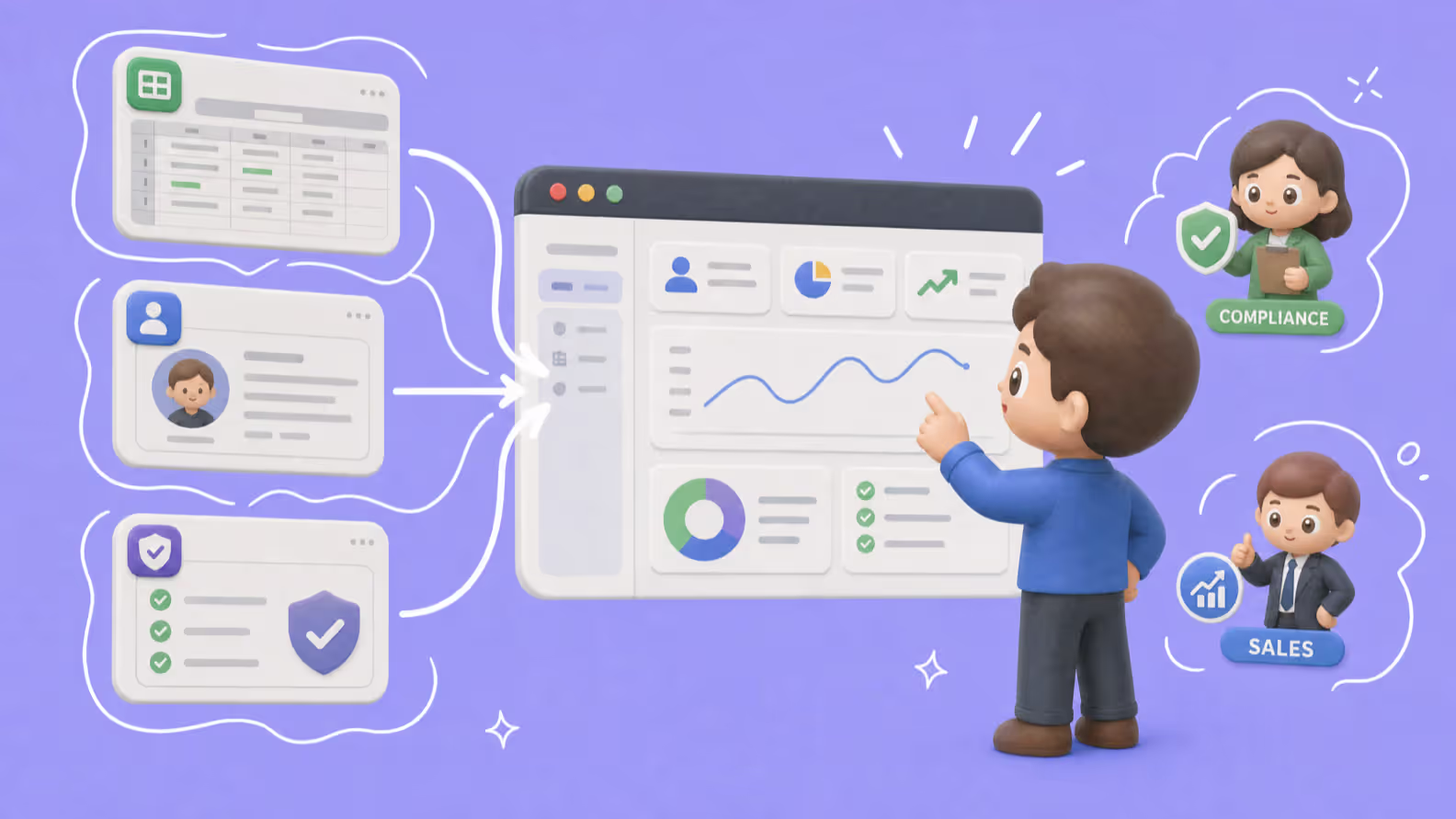
The onboarding dashboard replaced three separate tools with one shared view
Not sure whether your workflow needs a custom build or a better-configured off-the-shelf stack? That's usually the first question worth answering before scoping anything. Our web development services team walks through it on an initial call.
A custom web app build moves through four stages, and each one produces a specific deliverable, not just a status update.
Discovery starts with a call, but the point of the call is a document, not a conversation. A real discovery session covers the core user workflows the app needs to support, the systems it has to integrate with (existing CRM, payment processor, auth provider), who the distinct user roles are and what each one can see, and what "version one" excludes on purpose. The output is a written scope document and a rough cost estimate. If a vendor's discovery call ends with neither, that's a signal to ask more questions before signing anything.
Design starts with low-fidelity wireframes mapped to the core workflows from discovery, then moves to a clickable prototype in Figma before any code gets written. The prototype stage exists to catch workflow problems while they're still cheap to fix. Restructuring a database schema after development starts costs far more than moving a box in a wireframe.
Development typically runs in one- to two-week sprints, with a working, testable build after each one rather than a single release at the end. QA runs in parallel, not as a separate phase tacked on afterward. Catching a broken permission rule in week 3 costs a fraction of catching it after launch.
Launch includes deployment to production infrastructure, a rollback plan, and, critically, a support window afterward. The first two to four weeks after launch surface the edge cases real users find that internal QA didn't, and a build without a support plan for that window tends to accumulate unfixed bugs fast.
An e-commerce operator needed a custom order-management dashboard to replace a manual process running through email and a shared spreadsheet, coordinating between three warehouse locations. Discovery took one week and produced a scope covering order routing logic and warehouse-specific inventory views. Development ran across four two-week sprints, with the warehouse team testing each sprint's build before the next one started. The dashboard went live 11 weeks after the kickoff call, replacing a process that previously required a full-time coordinator role to run manually.
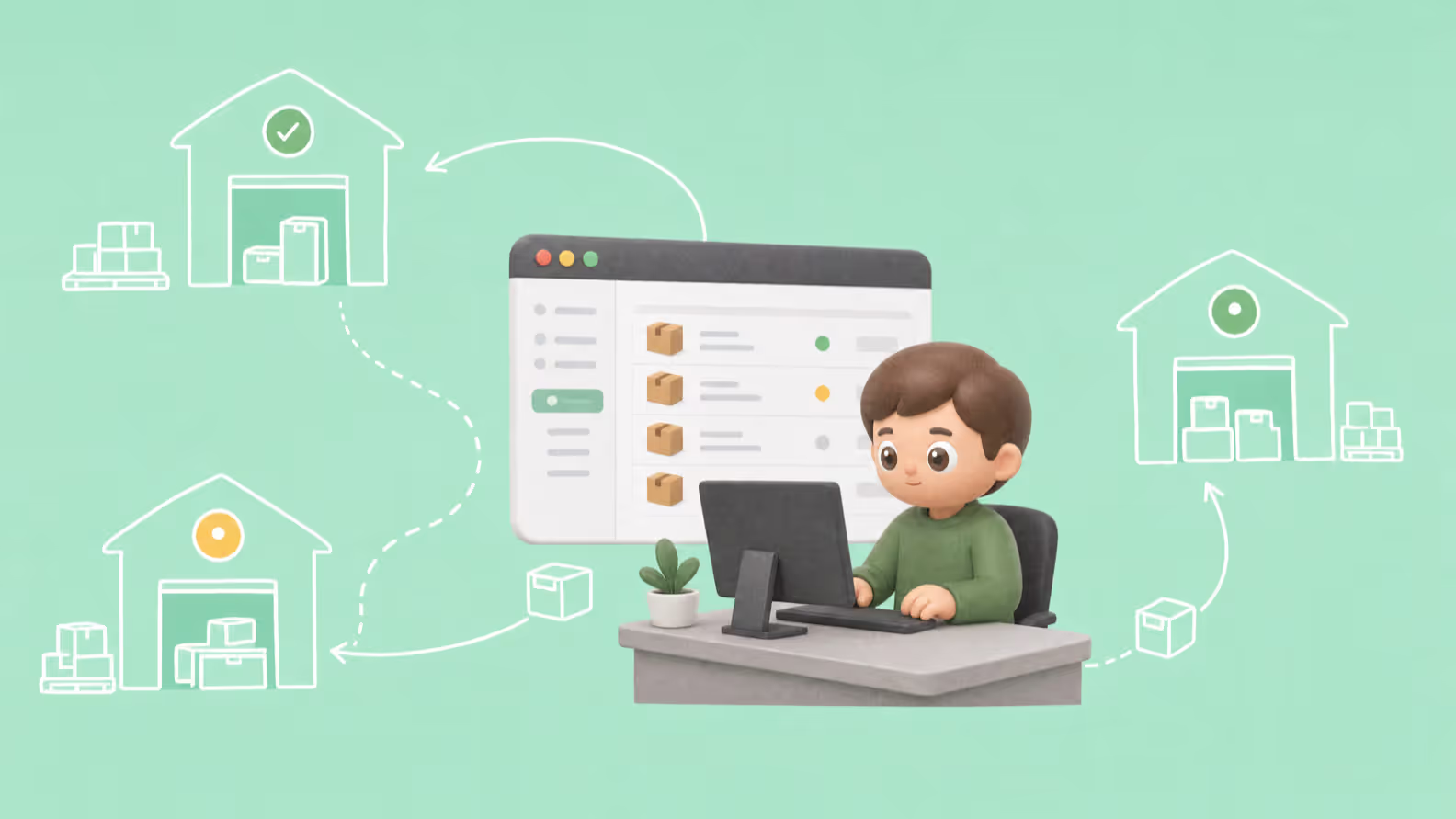
Sprint-by-sprint testing caught warehouse-specific edge cases before launch
Purrweb's median custom web application project costs around $10,000, with most projects falling between $3,000 and $15,000 for a scoped first version. That range covers an MVP-level build: a working application solving one core workflow well, not every feature a founder might eventually want. Larger, multi-role SaaS products with heavier integration requirements run above that range.
"Across our project history, the line item that surprises clients most isn't the number of screens. It's authentication and third-party integrations. A clean login flow with role-based permissions can take longer to build correctly than the actual feature the client is paying for."
— Sergey Ponomarev, CTO at Purrweb
These drivers show up across adjacent project types too. The same logic applies almost identically when scoping custom software development cost for a finance-sector build. Four factors move the estimate more than anything else:
A fixed-price contract works when the scope is genuinely well-defined upfront. An internal tool with a known, narrow feature set is a reasonable fit. Time-and-materials fits better when the scope is expected to shift as the team learns from early usage, which is the more common case for a first version of anything customer-facing. In practice, fixed-price contracts on projects with real scope uncertainty tend to produce change-order disputes partway through: the client assumed "custom reporting" was in scope, the vendor scoped it as a stretch item. Asking a vendor directly which model they're proposing and why, before signing, avoids that conversation happening mid-project instead.
Getting a real number takes a scoping conversation, not a price sheet. Our custom software development team scopes estimates against actual requirements.
Most custom web apps built in 2026 share a similar core stack, chosen for maintainability rather than novelty. React or Next.js handles the frontend for most projects, giving fast page loads and a component structure that scales as features get added later. Node.js or Python (commonly with a framework like FastAPI or Django) handles backend logic and API endpoints. PostgreSQL is the default database choice for relational data: most business workflows are relational at their core, even ones that don't look it at first. Cloud infrastructure (AWS, Google Cloud, or a comparable provider) hosts the deployed application, with containerization via Docker making it portable between environments.
Progressive web app techniques, like offline caching and installable home-screen icons, get added selectively when a project's usage pattern justifies it, rather than by default. A back-office admin tool used only at a desk doesn't need PWA features. A field-service app used by technicians without reliable connectivity often does.
The discovery call itself is the best diagnostic. A vendor who ends a scoping conversation with a written document (user roles, core workflows, what's excluded from v1, a rough estimate) is treating the project as a specific piece of engineering. A vendor who ends it with a generic proposal template and a wide price range treats every client's project as roughly interchangeable, which tends to show up later as scope disputes.
A few honest red flags surface repeatedly in vendor discovery calls. Vague deliverables per sprint, like "we'll show progress" instead of a testable feature list, usually mean sprint reviews turn into status updates rather than working software. No willingness to explain their tech-stack choice for the specific project, rather than a stock stack they use for everything, is worth asking about directly. And a cost estimate given before any discovery conversation happens is a guess dressed up as a number. A build that costs anywhere from $3,000 to $50,000 depending on integration complexity can't be priced accurately from a one-line project description.
A B2B logistics company had been quoted a fixed price from another vendor before any discovery call, based only on a two-paragraph project description. When they brought the same brief to Purrweb, the discovery call surfaced a routing-logic requirement the original quote hadn't accounted for at all, which alone would have added several weeks to a fixed-scope contract. The revised, discovery-informed estimate came in about 40% higher than the original quote, but avoided a mid-project change-order dispute the client had already been through with a previous vendor on a different project.

Discovery uncovered a routing-logic requirement the original quote missed entirely
Three things separate a project that ships on budget from one that doesn't: a discovery call that produces a written scope document, an MVP-first build instead of trying to ship every feature at once, and a clear answer from the vendor on fixed-price vs. time-and-materials before signing anything. Get those right and the $3,000–$15,000 range above becomes a real estimate for your project rather than a guess.
If a workflow is currently running across three disconnected tools and a spreadsheet, that's usually the clearest sign a scoped MVP is worth pricing out. Get a free estimate for your custom web application and see what a discovery call surfaces for your specific case.
Custom web application development is the process of designing and building browser-based software tailored to a specific business's workflows, rather than adapting a pre-built, off-the-shelf tool to approximate them. The result is software with its own data model and logic, shaped around how a specific team actually operates.
Purrweb's median project cost is around $10,000, with most projects ranging from $3,000 to $15,000 for a scoped MVP. Price scales mainly with authentication complexity, the number of third-party integrations, and admin-panel functionality, not simply the number of screens.
A scoped MVP typically takes 6 to 12 weeks from kickoff to launch, depending on integration complexity and the number of user roles involved. Discovery and design usually take 1–3 weeks, with development running in one- to two-week sprints after that.
The process runs through four stages: discovery and scoping (producing a written scope document and estimate), design and prototyping (wireframes and a clickable Figma prototype), development and QA (built in sprints with parallel testing), and launch with post-launch support for the weeks immediately after go-live.
Most 2026 builds use React or Next.js on the frontend, Node.js or Python on the backend, PostgreSQL for the database, and cloud infrastructure such as AWS or Google Cloud, often containerized with Docker. Progressive web app features get added selectively based on actual usage patterns, not by default.
Look for a vendor whose discovery call produces a written scope document and estimate, not a generic proposal or a price quoted before any scoping conversation. Ask directly whether they're proposing fixed-price or time-and-materials, and why. That answer, given early, avoids scope disputes later.


.svg)