Explore
Need help with your project?
This field is required
Incorrect phone number
Incorrect Email
This field is required
Please fill in all fields
Next
Next
Your role in the project
Services
Budget
Please select one option in each category
Submit
Submit
several colorful figures
Request sent
Our manager will contact you shortly.
Oops! Something went wrong while submitting the form.
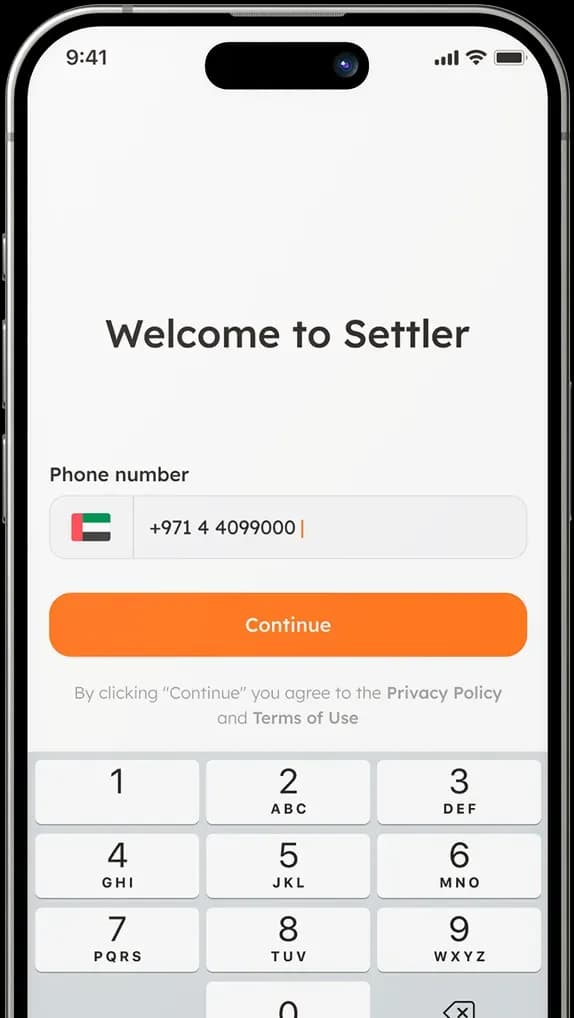
an app for renovations of apartments in Dubai

Settler

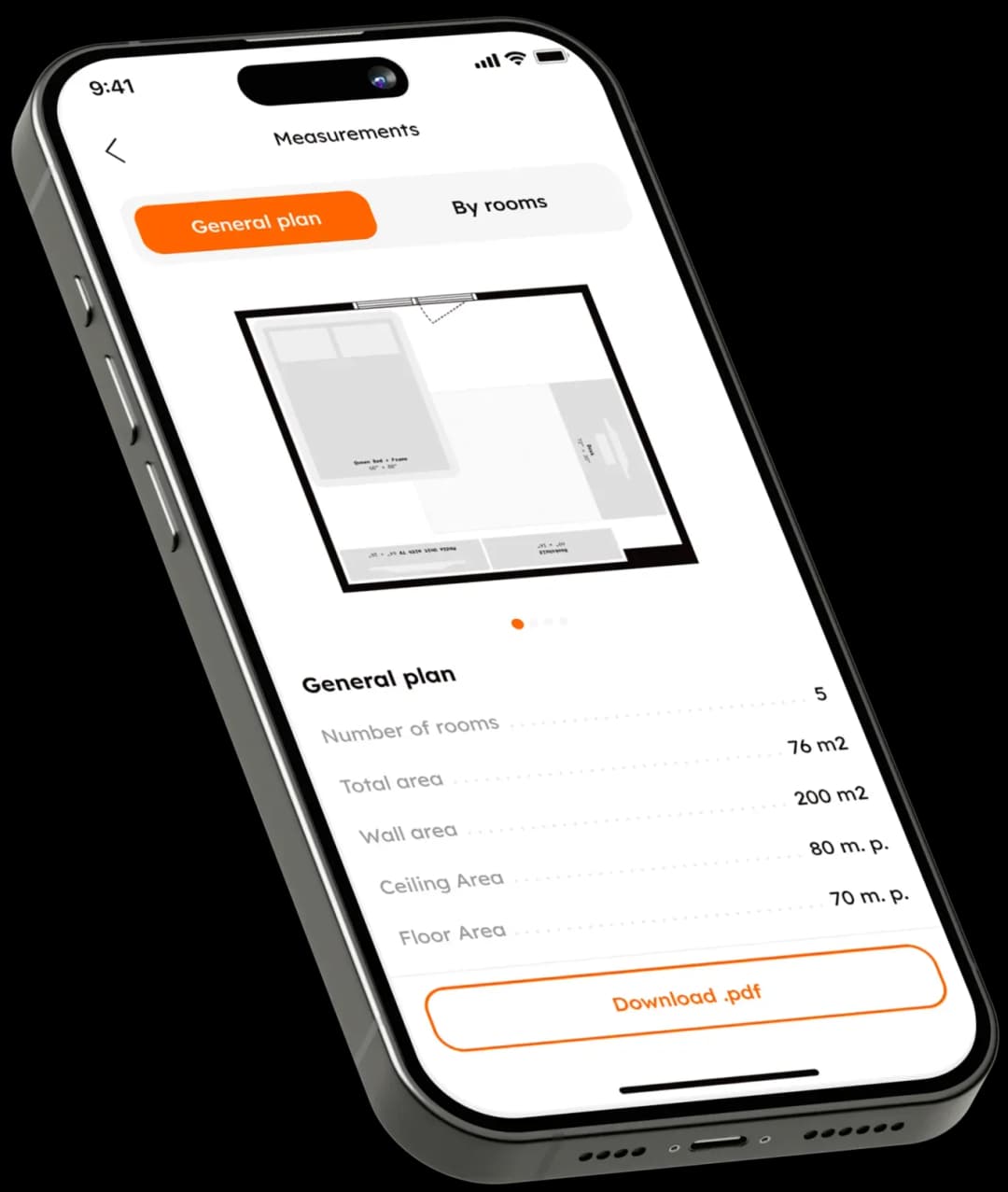
Mobile app login screen with phone number inputMobile app measurements overview screenMobile app design brief screen

Client

A startup
from Dubai
A startup from Dubai

After the article on the Arabic design, we
were approached by a client who  discovered
a new market opportunity in the Emirates

Camels in Dubai with city skyline
Renovating an apartment is a tiring process
Renovating an apartment
is a tiring process

Monitoring everything isn’t always physically possible, and it becomes
even more difficult when all of this
must be done remotely.

Necessary:
Purchase materials
Find contractors
Be in touch with the foreman
Necessary:
Purchase materials
Find contractors
Be in touch with the foreman
Target SETTLER

— help to control the renovation of an apartment in Dubai from anywhere in
the world.

The user fills out the application, tells about his wishes, specifies the budget and hands over the keys.
Decorative

Task

Launch the app in
a short period of time
Launch the app in a short
period of time

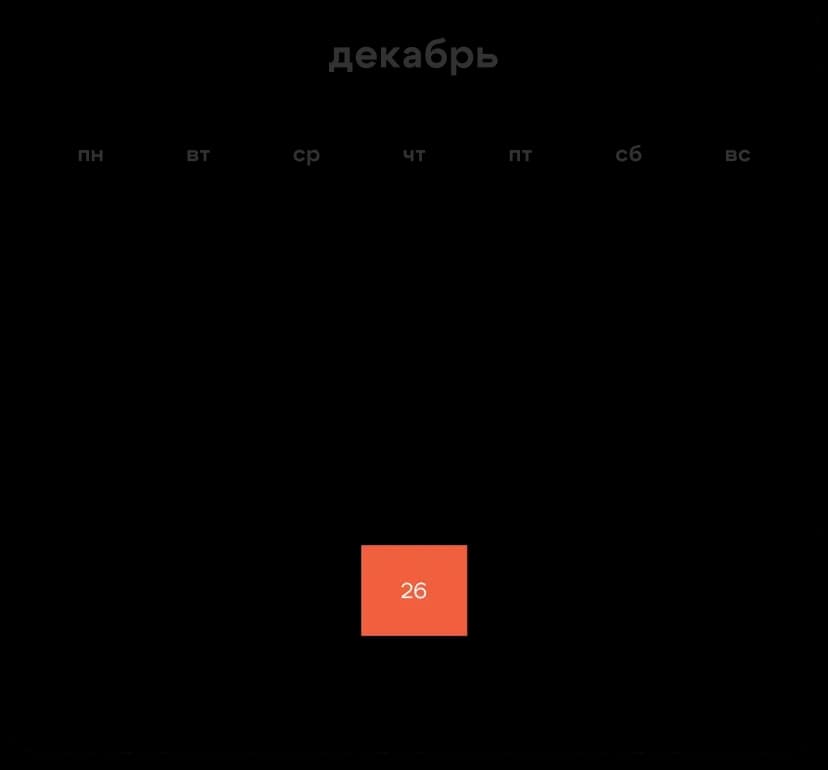
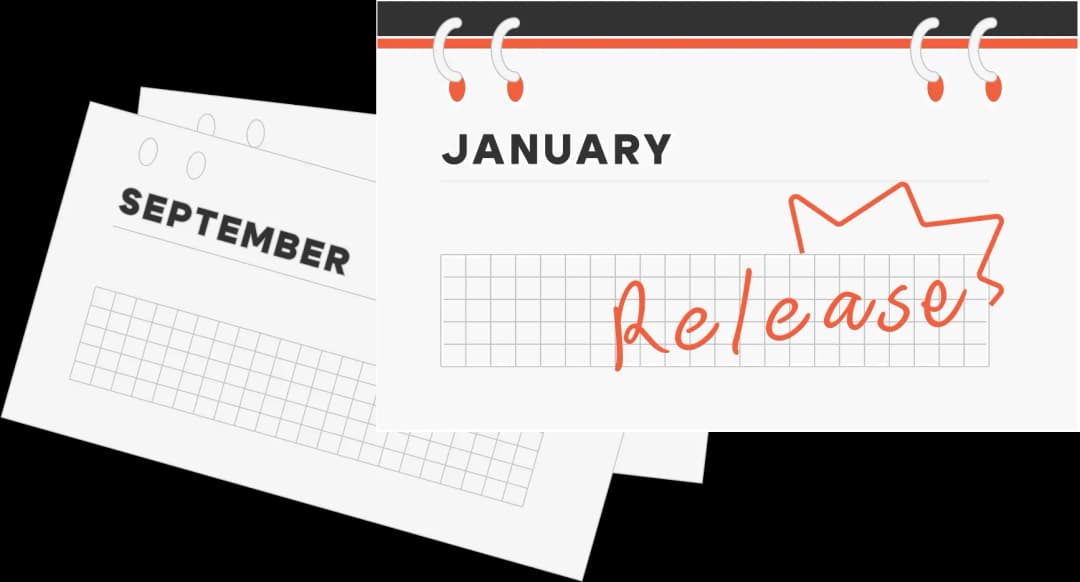
The most important part was to meet the four-month deadline. The client came in September and wanted the app to appear in stores by the New Year holidays

Главное — уложиться в 4 месяца. Заказчик пришел в сентябре и хотел, чтобы к новогодним праздникам приложение появилось в сторах
Calendar pages for September and January with "Release" highlighted
What we had to do:
A user app for
Android and iOS
An app for
interior designers
A web-based
administrative panel
a landing page to
collect user requests

Solution

Mobile app measurements overview screenMobile app measurements overview screen
Make several versions of the app

The client came with a list of features. Of course, we could make all the features at the same time, but this would be time-consuming and expensive, and we, sure, wouldn’t meet the deadline and the budget.

That’s why, we helped our client prioritize the features and leave only the most important ones for the MVP — creating a project, statuses, and planning a call with a manager.

We planned to add all the other features to the later versions after the release.

The user journey in the app
Signs up in the app — with a phone number or an email
Mobile app onboarding screen
1
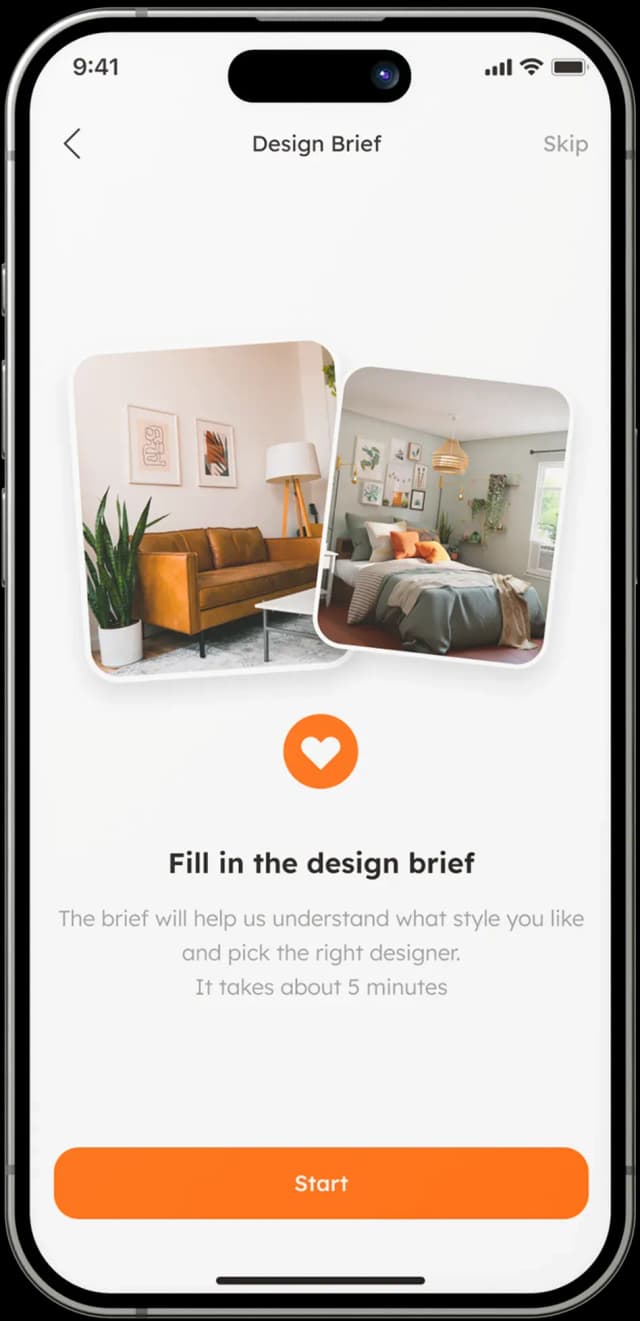
Fills out the brief form. In it, they specify their preferences. This way,
it will be easier for a designer to understand user’s preferences and
save time on calls.
Fills out the brief form. In it, they specify their preferences. This way, it will be easier for a designer to understand user’s preferences and save time on calls.
Mobile app design brief onboarding screen
Design brief selection screen with room designs
2
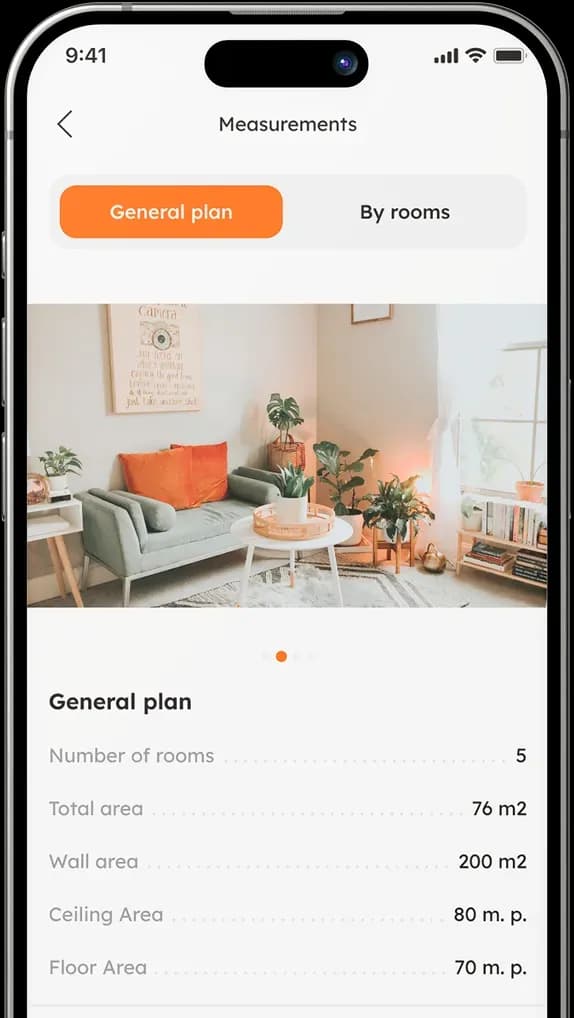
Stores measurements, layout, and photos of the apartment.
The user sees all the information about the property in the application.
Also, they can attach photos of specific rooms.
At the same time, a user doesn’t take measurements themselves.
A specifically trained person on the Settler’s side is in charge of this task
— they upload these data to Settler via the admin panel from another 
application.
Stores measurements, layout, and photos of the apartment.The user sees all the information about the property in the application. Also, they can attach photos of specific rooms.
At the same time, a user doesn’t take measurements themselves. A specifically trained person on the Settler’s side is in charge of this task — they upload these data to Settler via the admin panel from another application.
Mobile app measurements screen
3
Monitors the renovation process. The app contains the “Stages” block,
where a user can see the important renovation stages: completed, being
renovated, and to-do.
Monitors the renovation process. The app contains the “Stages” block, where a user can see the important renovation stages: completed, being
renovated, and to-do.
Mobile app project management screen
4
Tracks the expenses. A user can see the contractors' receipts,
the amount of money already spent on the renovation, and the
current balance.
Tracks the expenses. A user can see the contractors' receipts, the amount of money already spent on the renovation, and the current balance.
Mobile app payment transactions screen
5
/5
Typefaces
AaBbCcDdEeFfGgHhIiJjKkLlMmNnOoPpQqRrSsTt
UuVvWwXxYyZz1234567890!@#$%^&*(){}?./,
LexendDeca logoLexend Deca logo

Typeface — Lexend Deca. This is a rounded sans-serif typeface that looks friendly and gentle.

It’s readable and free, so we were able to save our client’s money with no loss in quality.
Purrweb logo
Colors

Color — Spanish Orange. The clients wanted the app to evoke a warm and cozy atmosphere of the future home. That’s why  we chose the color of Spanish oranges for the accents .

Spanish Orange
#F3640D
Saved

12 450 $

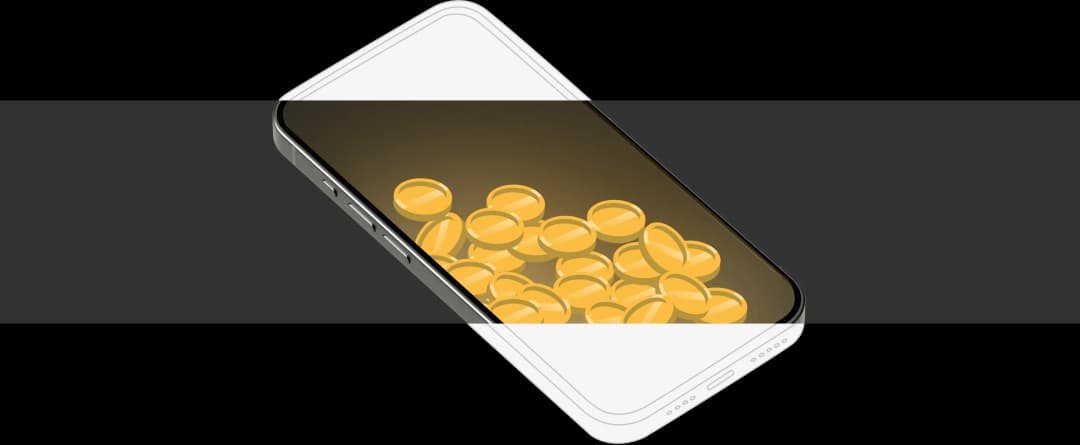
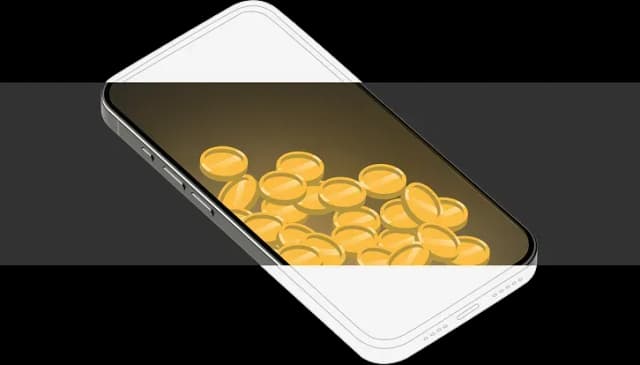
Mobile phone displaying yellow balls inside screenMobile app with coins graphic
This is how we did it:

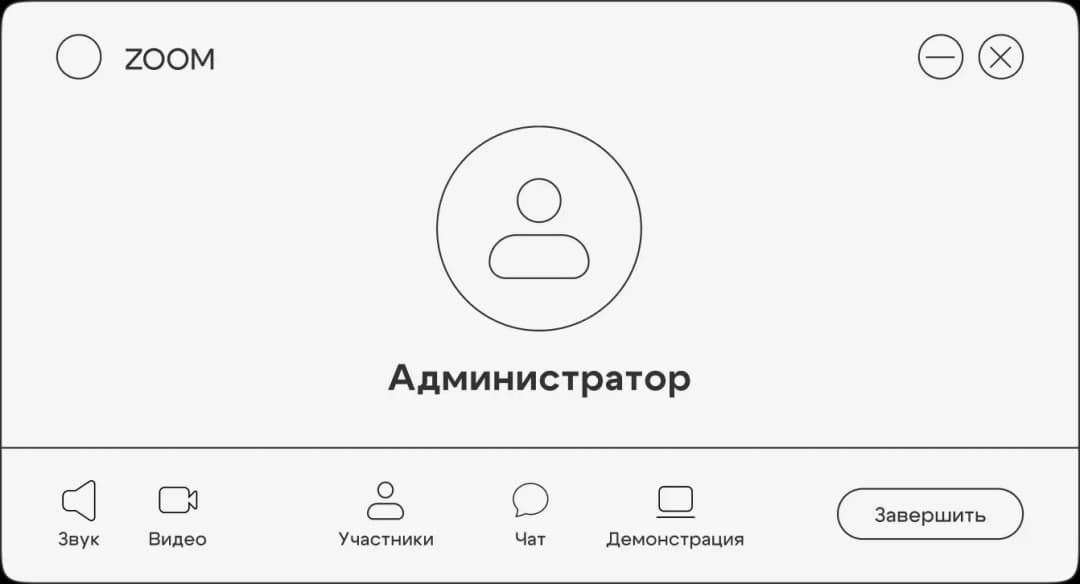
Streams

The client proposed adding live streams so that users could watch the renovation process in real-time.
Zoom admin interface screen
$3000
Integration with webcams in the app
$3000
Streams via links added by an administrator.
A user watches a stream on a third-party
service

Payments

A user pays for design projects and other services
$3000
Integration of payments in the app
$3000
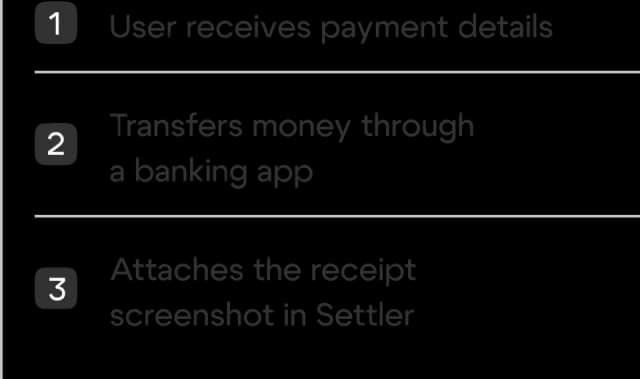
Mobile app onboarding process steps

Calendar

A user plans calls
Mobile app user input screen
Development from scratch
Integration with a third-party
app — Calendly

Stack

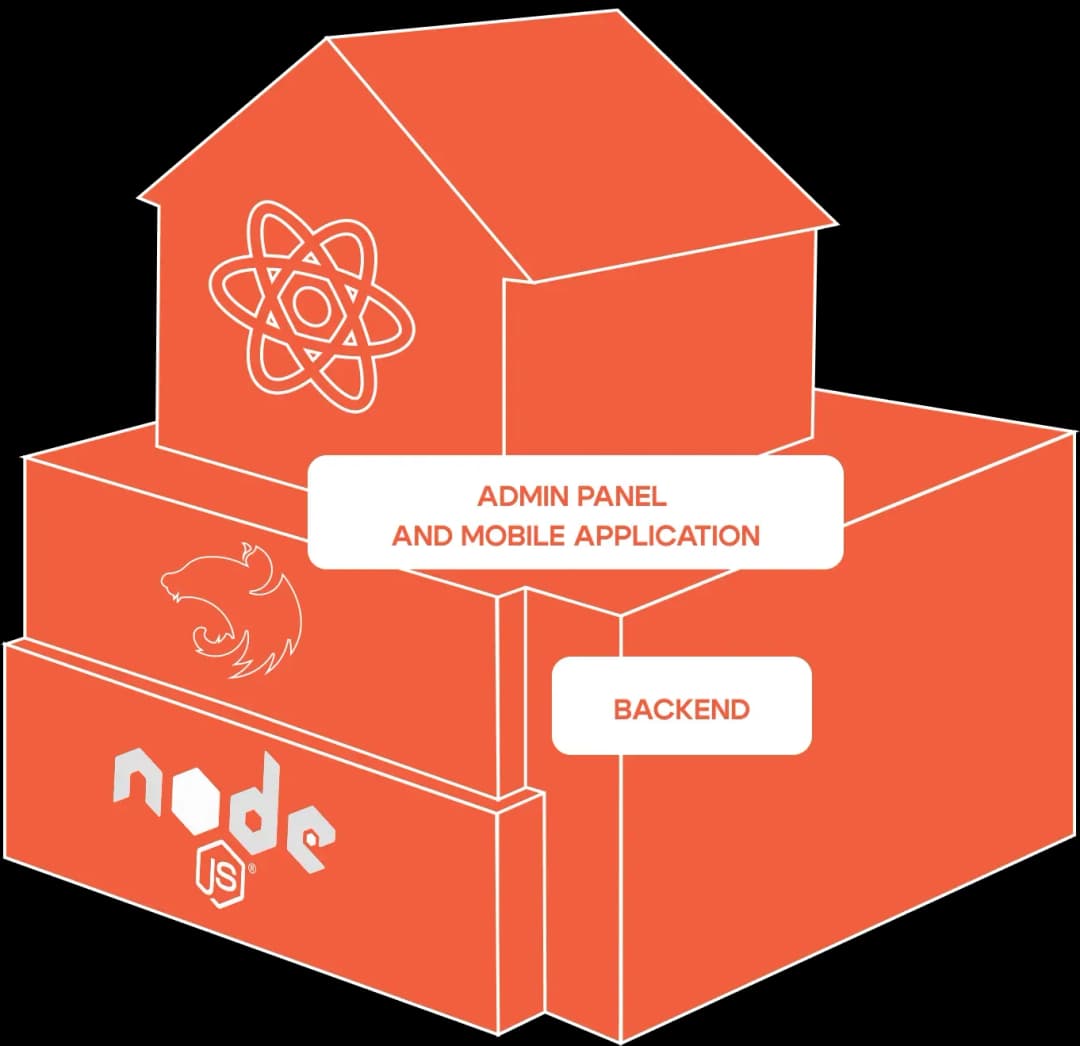
We made a single app for Android and iOS on React Native
— the cross-platform approach let us save up
compared to native development.

We made a single app for Android and iOS on
React Native
— the cross-platform approach
let us save up
compared
to native development.
Tech stack diagram with React, Node.js, and admin panel

MVP

Handed over
the project to the client’s
in-house team

We made an MVP: an app for a user, an admin panel, and a
landing page. Also, we laid the foundation for its further
development.

The client liked the speed and quality of our work, but they
wanted to save money with freelancers. They had no investors,
so they were using their own funds for the project. This is how
we delivered the app to their team:

We made an MVP: an app for a user, an admin panel, and a landing page. Also, we laid the foundation for its further development.

The client liked the speed and quality of our work, but they wanted to save money with freelancers. They had no investors, so they were using their own funds for the project. This is how
we delivered the app to their team:

Provided access to the services we worked with
and made a special file with a list of all of the bugs

Updated the UI kit to make it easier for the Settler
team to add new features and maintain consistency

Collected the basic flows for the product manager
and gave advice on team selection

Had calls to discuss processes, held an onboarding
session, and handed over the code

Made a general chat with developers to help
them in case of any difficulties
House key and keychain illustration

Provided access to the services we worked with and made a special file with a list of all of the bugs

Updated the UI kit to make it easier for the Settler team to add new features and maintain consistency

Collected the basic flows for the product manager and gave advice on team selection

Had calls to discuss processes, held an onboarding session, and handed over the code

Made a general chat with developers to help them in case of any difficulties

House key and keychain illustration

Handed over the project
to the Settler team — still
in touch with them to this day