Explore

Need help with your project?

Oops! Something went wrong while submitting the form.
A workout library, a wearable tracker, and an app for online coaching all serve fitness users, but they involve different development work. Your development budget follows the experience you want to offer: how people train, where their progress data comes from, and whether a coach takes part. Those choices also shape what the fitness product costs to run after launch.
In this article, we explain how the features change the estimate and how to separate the initial build from recurring expenses.
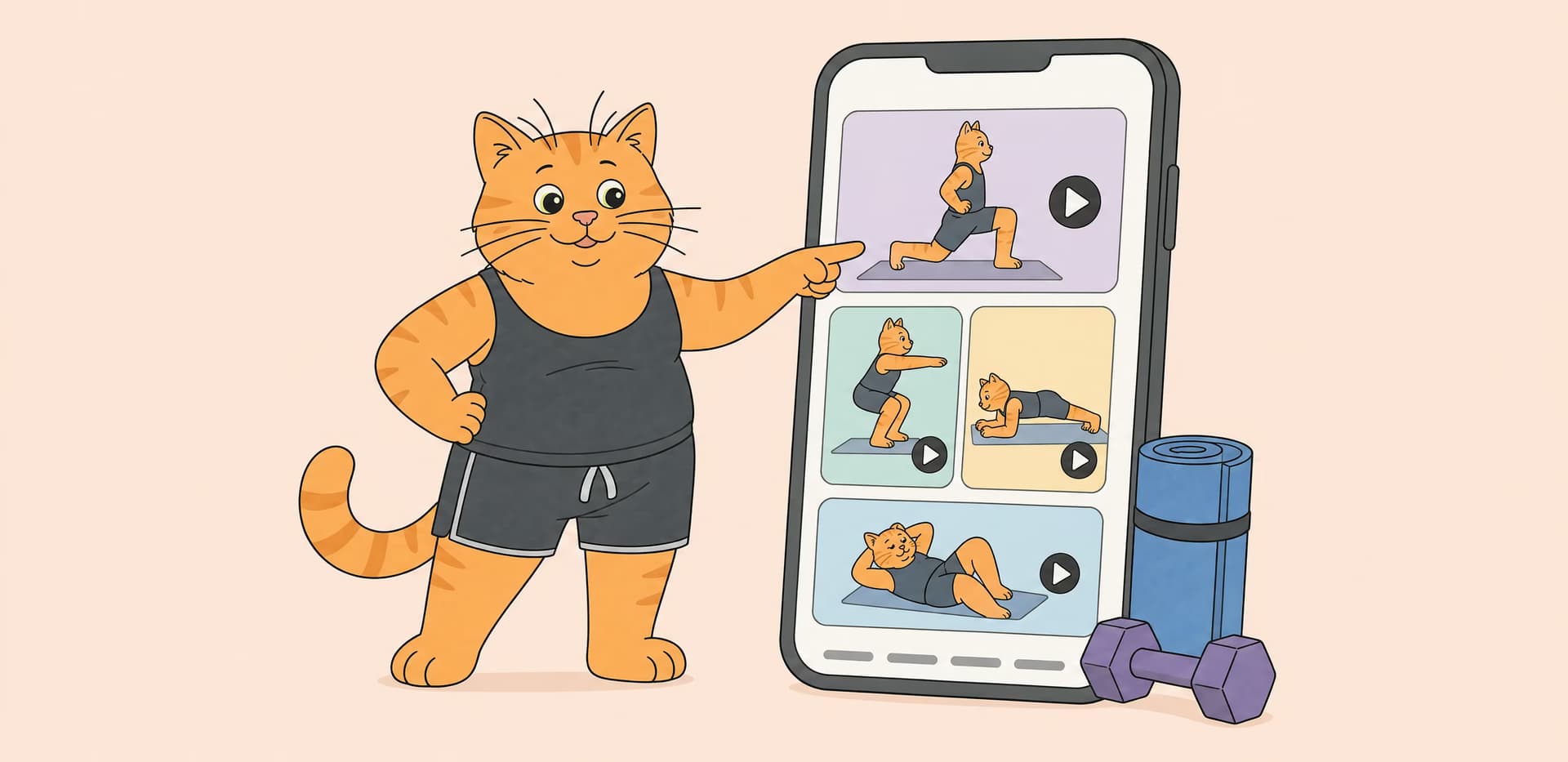
The fitness app market covers products built around different routines, from recording activity to following a coached workout. Our fitness app development services cover workout, tracking, and coaching products. For your development budget, the useful distinction is the problem each product solves, rather than the size of the entire fitness and health category.
AppTweak estimates that Mi Fitness generated 36.8 million downloads worldwide across the App Store and Google Play from January to November 2025. That is an acquisition signal for a wearable-focused product, not evidence that every new fitness app will be profitable.
Downloads don't measure paid retention. A tracking app serves a different routine from a nutrition diary. Comparing those routines helps you identify the audience and product boundaries before estimating implementation. For a studio in the fitness industry, that comparison starts with its own clients, not fitness enthusiasts as one undifferentiated audience.
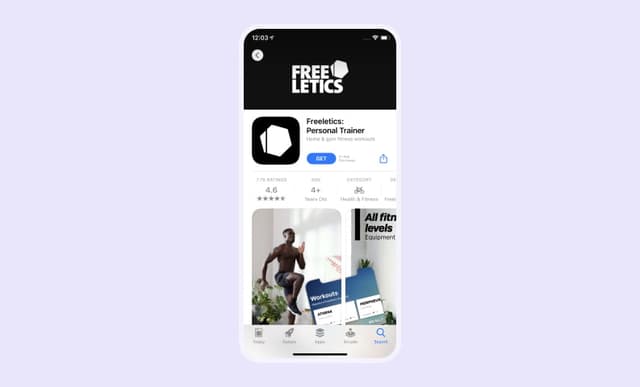
Different types of fitness apps support different user routines, which changes what the team builds. These are category examples published by Purrweb, not market averages or fixed packages. The table compares their scope, while the examples explain what each app type does for its users.
| App type | Existing Purrweb estimate | Category scope | Main budget variable |
| Workout planning | $100k | Exercise library, plans, progress | Media and coach workflows |
| Diet and nutrition | $110k | Food diary, nutrition data, calories | Database and personalization |
| Activity tracking | $75k | Activity logs, metrics, sync | Devices, sensors, background sync |
| Habit tracker | $120k | Goals, reminders, streaks, history | Behavioral flows and customization |
| Yoga and meditation | $80k | Guided content, practice progress | Catalog, playback, recommendations |
A workout planner helps users choose an exercise routine and follow it correctly. It combines pre-built or custom plans with demonstrations, then lets users adjust difficulty and schedule sessions. Your budget changes with the amount of media and the coach workflows supporting those plans.
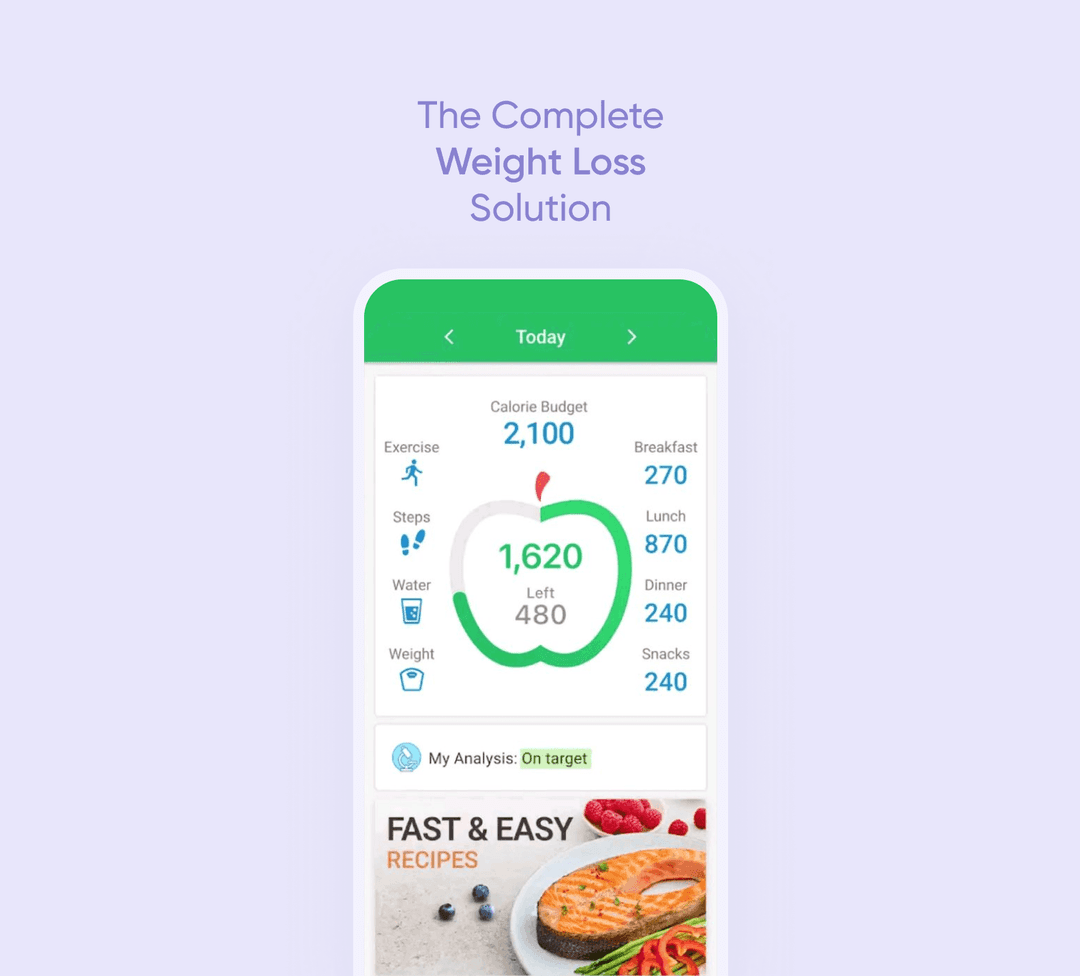
A nutrition app connects a food diary with nutrition data so users can compare meals with their goals. Food tables explain nutrient content, while calorie calculations use profile information to estimate intake. Database coverage and personalized recommendations determine how much work sits behind that daily diary.
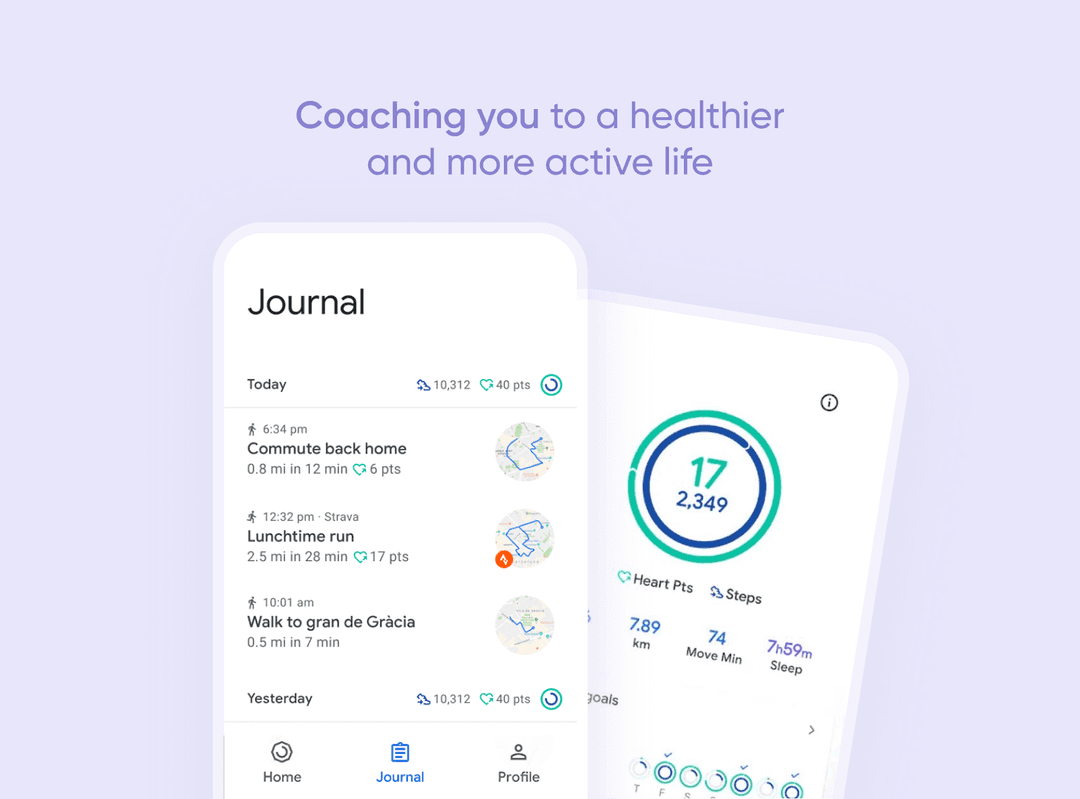
Fitness tracking turns recorded activity into metrics users can review over time. A smartphone or supported wearable collects data such as steps and heart rate. Supporting more devices expands synchronization and testing work, so your tracking app estimate depends on the agreed data sources.
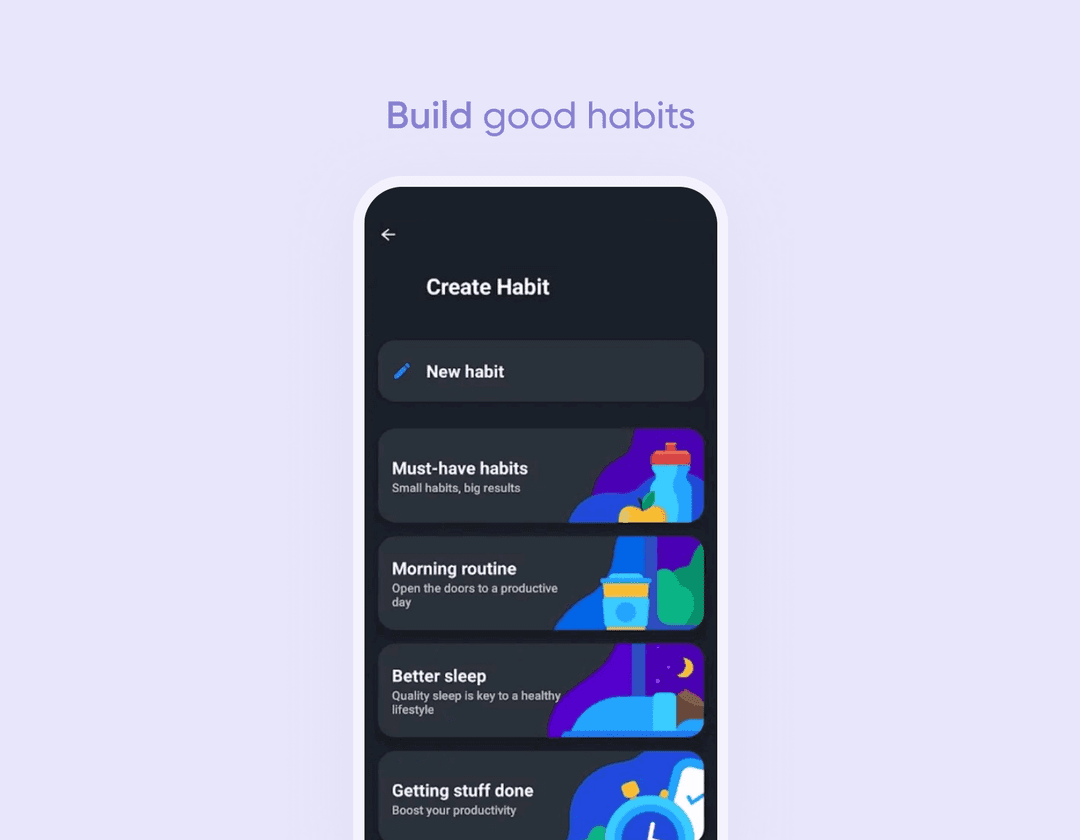
Habit trackers help users repeat a chosen behavior and see their history. Customizable goals and reminders connect daily actions with progress views and streaks. Retaining that history when goals change adds work beyond displaying a reminder, especially when users manage several routines.
Guided sessions let users choose a practice suited to their level and available time. Playback and progress tracking support a return to that routine. Our guide to yoga app features and costs covers this scope, while planning a meditation app requires decisions about its practice catalog and recommendations.
App complexity and delivery choices affect the cost of developing a fitness app. A shared interface doesn't remove device testing or data integration. These six factors explain where your requirements add effort, and which trade-offs a development team resolves before committing to an estimate.
A native app uses platform-specific code: Swift for iOS or Kotlin for Android. For a product aimed at one operating system, that gives developers direct access to its device features. Supporting both platforms means building and maintaining separate implementations, including updates to each.
We recommend React Native for cross-platform software when a shared codebase fits the product. It lets the team carry common features across iOS and Android rather than implement them twice. For suitable products, this offers estimated savings of up to 30% in time and budget, not a guaranteed reduction: device-specific functions still need separate implementation and testing on each platform.
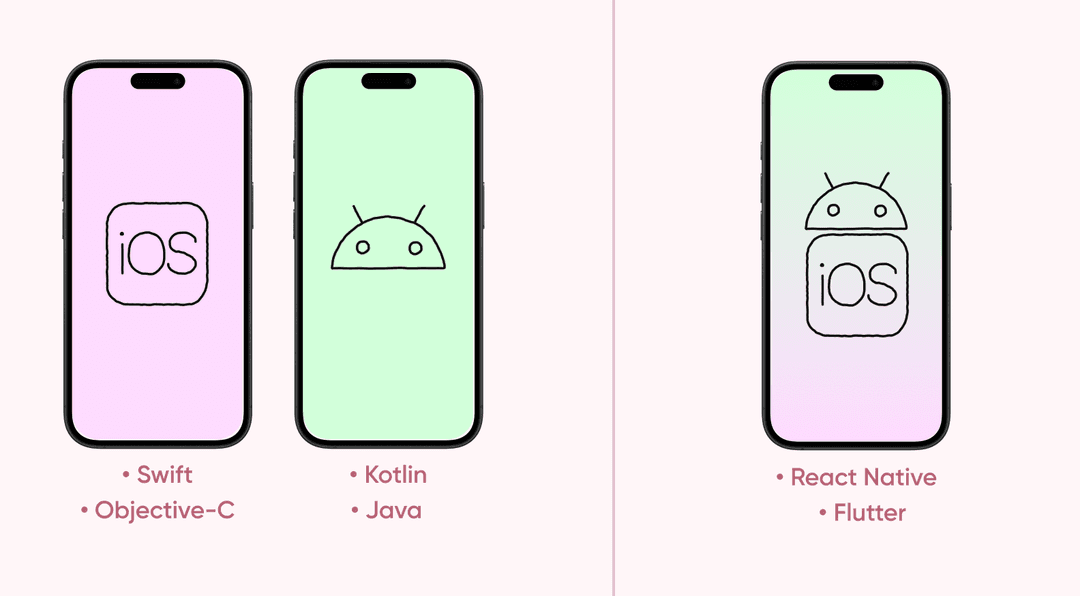
Native development separates platform code, while cross-platform development shares the application codebase
Feature count gives a rough sense of scale: a simpler app might have 5–10 features, while a broader product could have 25+. Each still needs design, development, and testing, but the amount of work differs. These counts illustrate scope, not fixed-price packages.
Registration mainly concerns account access, whereas video workouts need media delivery and device connections need data exchange. That is why 30 simple features can involve less work than 10 advanced ones. The cost to develop a fitness app follows what each feature does, not just how many names appear on the list.
User experience design connects individual screens into a training routine people can follow. Research and interviews help designers understand how users choose a workout, follow it, and review their progress. Animation and data visualization then add their own design and implementation work, such as showing a heartbeat or making a large set of readings understandable.
Templates reduce some initial screen work, but limited customization matters when they do not cover the required interactions or screen sizes. The team still has to adapt the app design to those scenarios. Refinements based on feedback after release belong in a separate improvement budget.
Compliance work starts with the region, the data processed, and the product's legal role. A legal assessment establishes the relevant obligations before developers price safeguards. HIPAA, the US health-information law, does not automatically apply to every wellness app simply because it records fitness activity.
Once those obligations are clear, the team defines authentication, role-based access, and encryption around the information being handled. Security testing checks those safeguards, while privacy documentation explains the data practices. This work forms part of the development scope, but an estimate is not a legal guarantee.
Integrations bring information or services into the app instead of requiring users to handle everything separately. Service integrations use application programming interfaces (APIs) to connect systems such as payments or customer support. Device integrations bring readings from equipment such as smartwatches or scales into the tracking screens. Developers review the documentation, configure data exchange, and test against the actual service or device.
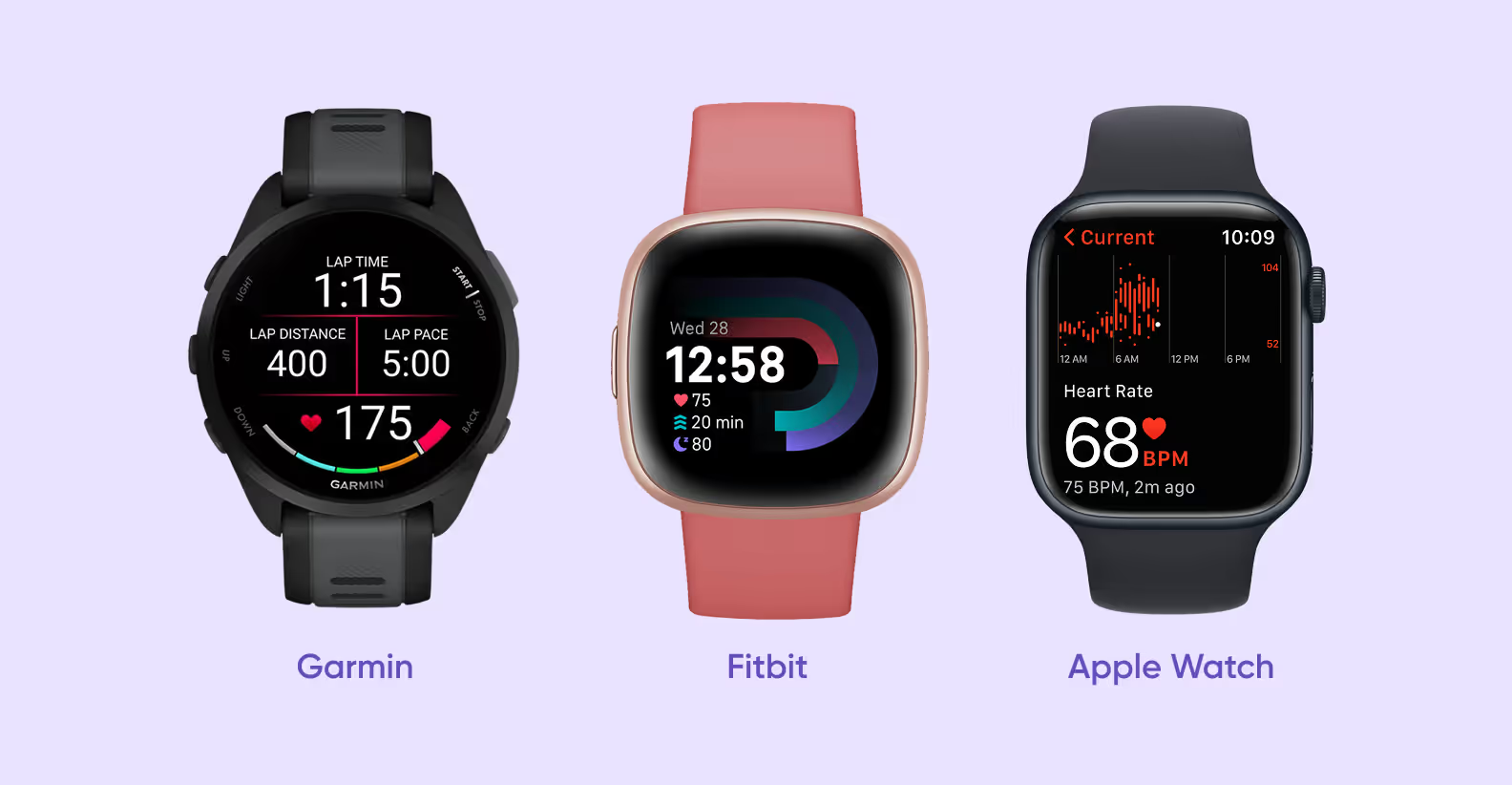
The supported device list determines which data connections the team implements and tests
Paid usage limits also affect your operating budget.
The hiring approach changes who keeps product knowledge and coordinates the specialists. There are three delivery models, with different commitments from the product owner:
Core app features connect the parts of a training routine: a person signs in, chooses a workout, and records the result. The fitness app we designed illustrates those interactions. The table gives separate feature estimates, not that project’s invoice or add-ons to every development quote.
| Feature | Existing estimate | Scope note |
| Login screen | $4k | Authentication and account access |
| User profile | $6k | User data and settings |
| Workouts | $30k | Library, instructions, media |
| Activity and progress tracker | Not estimated here | Metrics and agreed data sources |
| Filters | $5k | Search/filter behavior |
| Push notifications | $1.5k | Permissions, preferences, delivery |
| Sync with wearable devices | $12k | Device access, synchronization, testing |
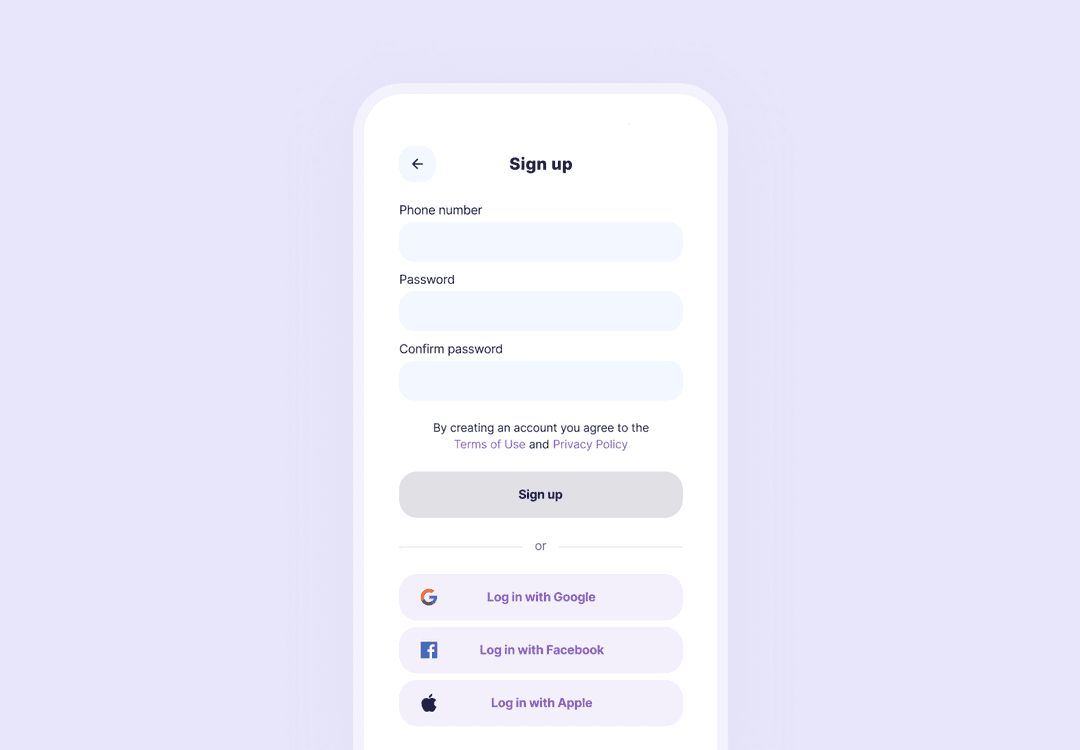
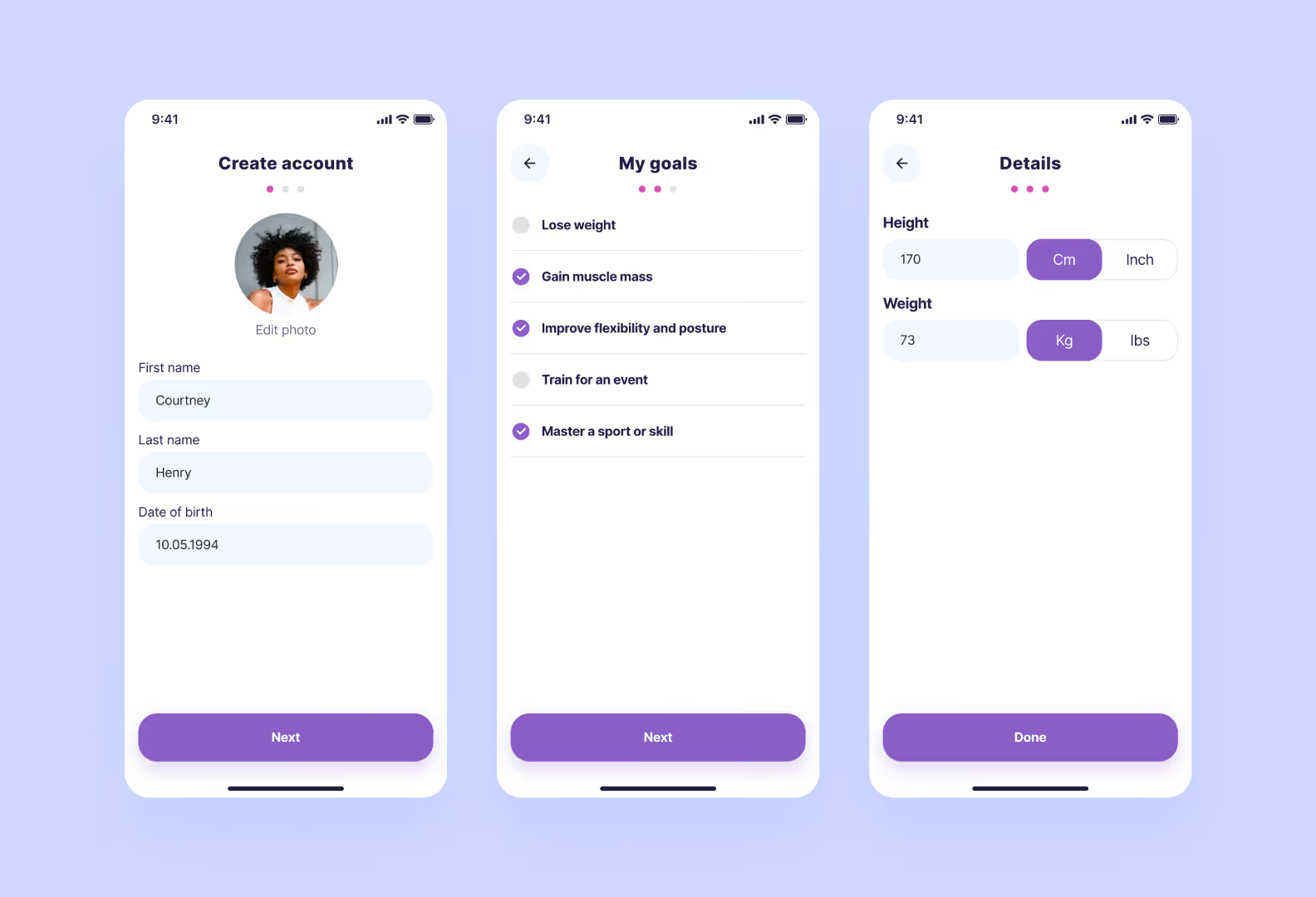
The login screen gives returning users access to their account and saved training information. In our fitness application, we included email and social media sign-in, offering different routes into the same user profile. Each selected method needs authentication behavior behind the user interface, so the estimate covers how people access their accounts as well as the fields they see.
A profile gives the app a starting point for personalization. Body parameters such as age, height, and weight, together with current fitness level and fitness goals, help shape a suitable training plan. Dietary preferences add context when the product also offers nutrition guidance.
That information changes as a person trains. Letting users update their profile keeps later recommendations tied to their current goals and ability, while progress views show how their results compare with where they started.
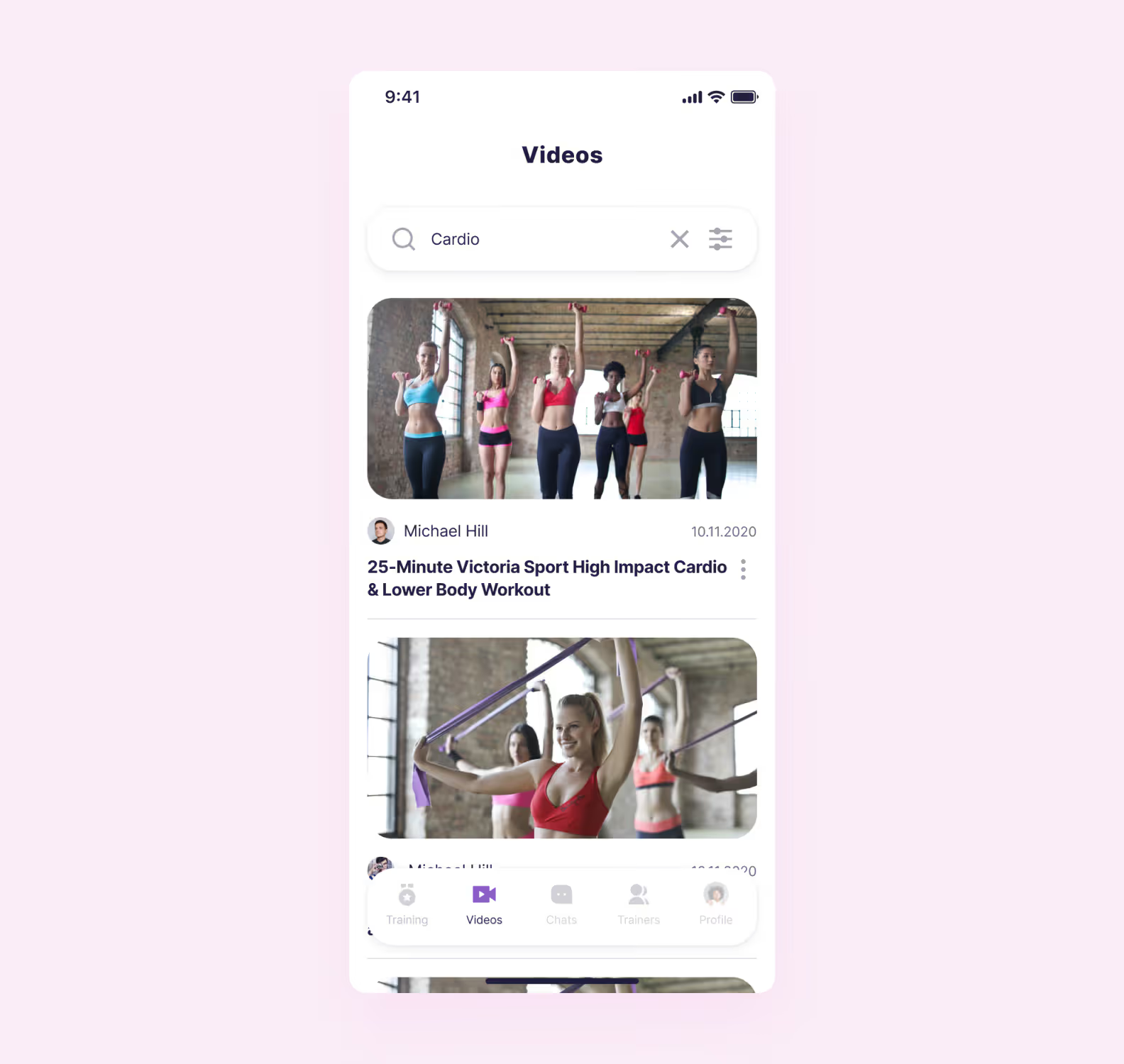
A workout library helps people choose a routine and understand how to perform it. Video demonstrations show the exercise in motion, while workout cards provide written or illustrated instructions. Customizable plans organize that material around the user’s goals and fitness level.
For a custom fitness app, those formats define different implementation tasks: presenting a card is not the same as playing a training video. The estimate covers both finding the routine and following its exercises, with the selected media formats determining the playback and presentation work.
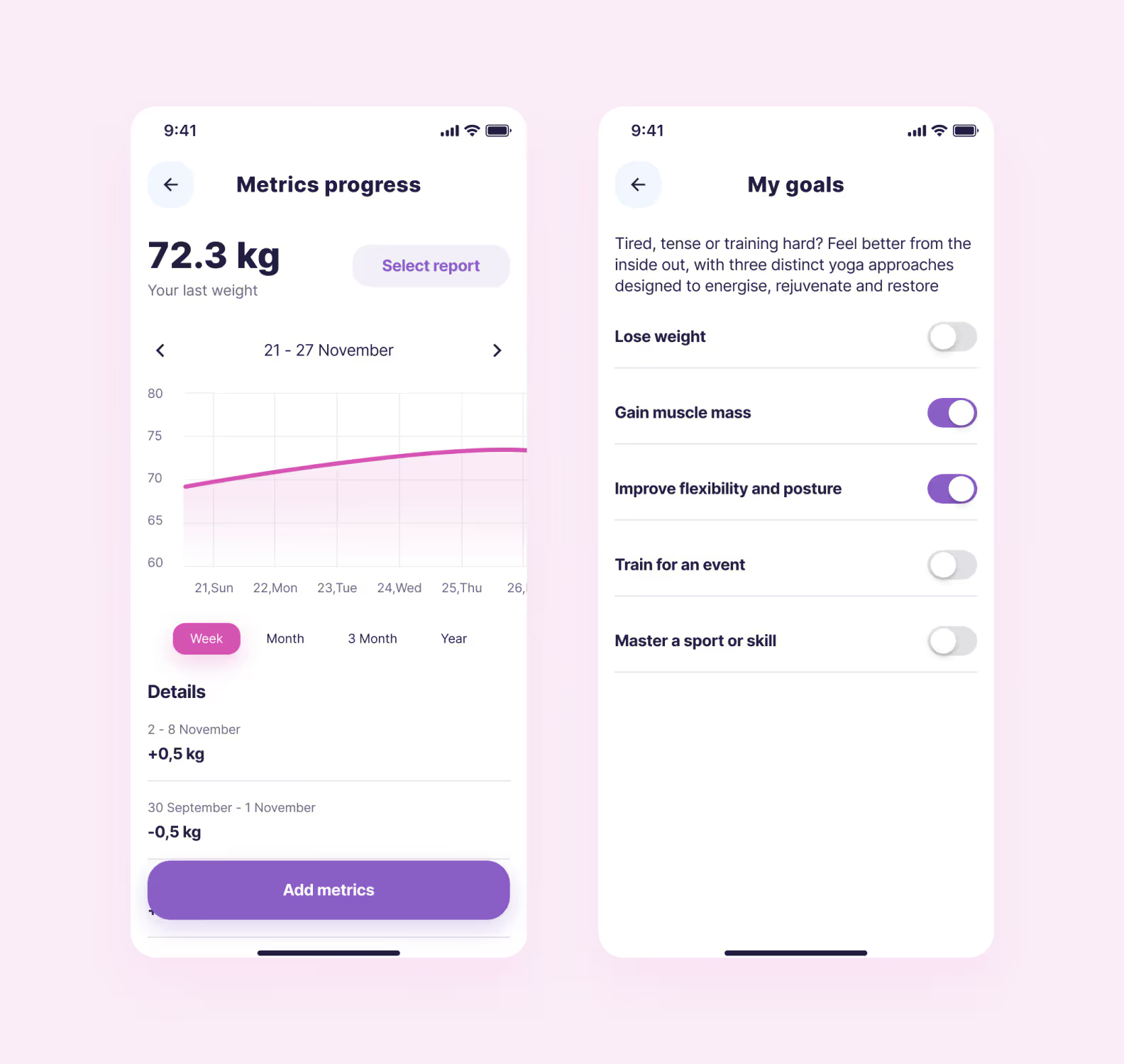
A fitness tracker puts recorded activity next to the goals a person is working toward. Calories burned and active minutes describe general activity, while running pace or weight lifted answer more specific training questions. The selected metrics determine which data the app records and displays.
Achievements recognize a completed goal or a new record, giving the user a result to return to rather than an isolated reading. The estimate depends on where the underlying data comes from, including manual records or supported devices, and how the app turns it into progress views.
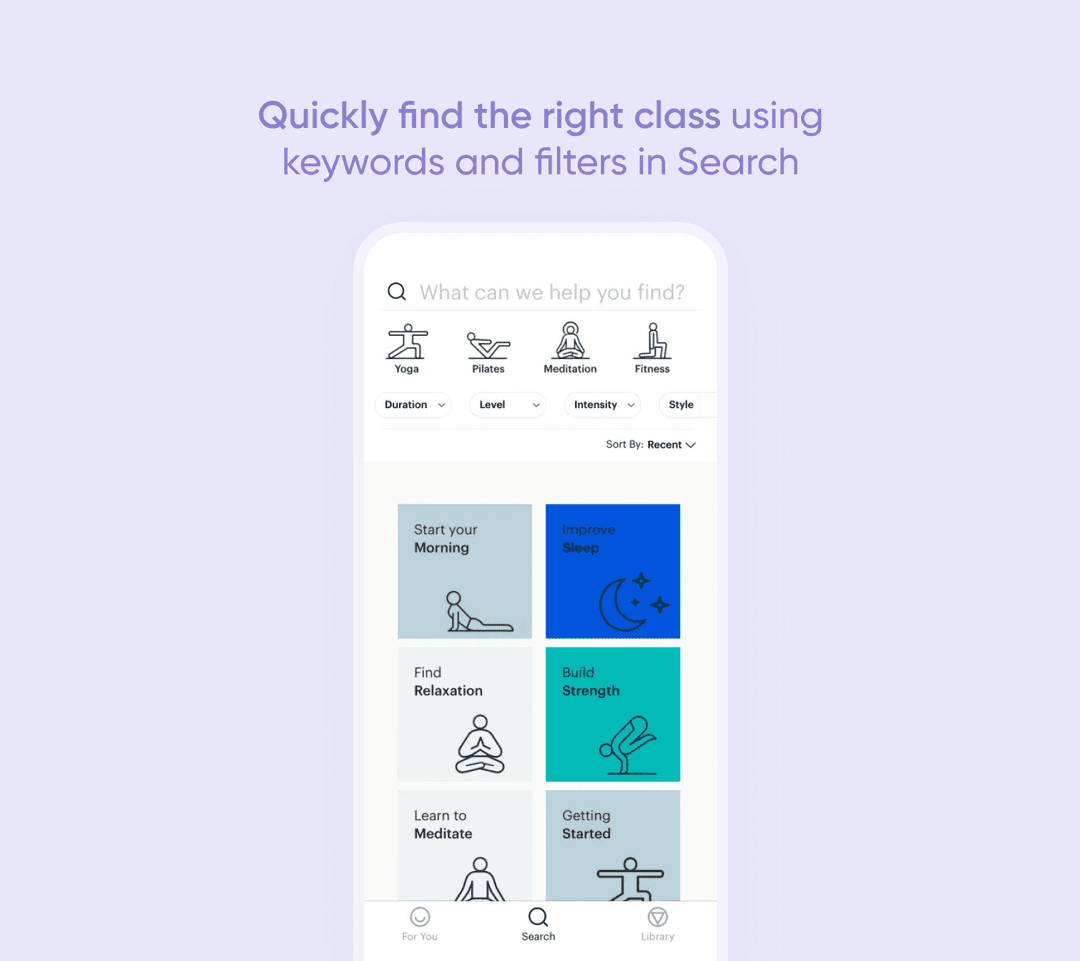
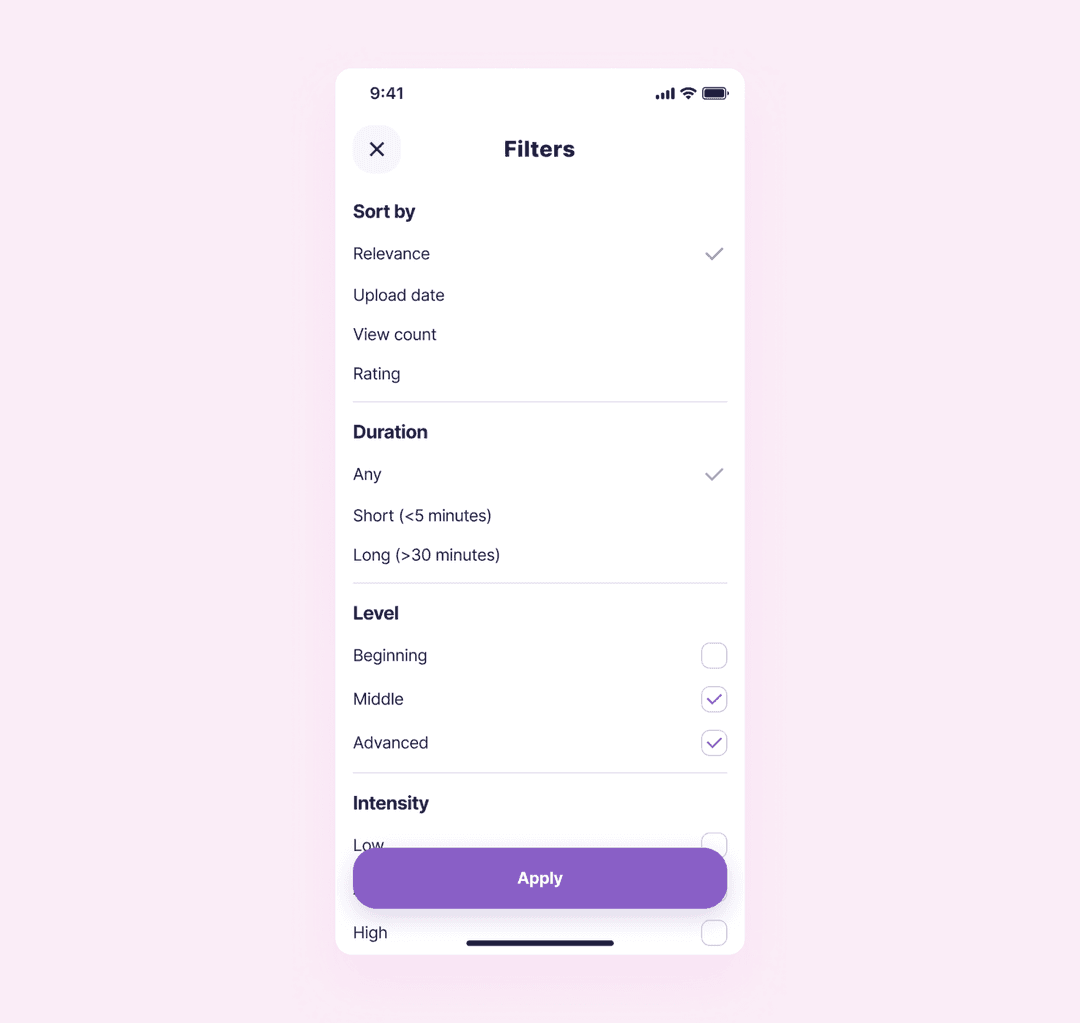
Filters narrow a workout library to sessions that fit the person’s needs. Someone looking for a shorter workout can combine duration with the required fitness level, while another selection focuses on a muscle group or type of exercise.
Those choices depend on how the catalog describes each session. Defining the search attributes before implementation lets developers connect the controls to the right workouts, rather than build a filter screen without the information needed to return useful results.
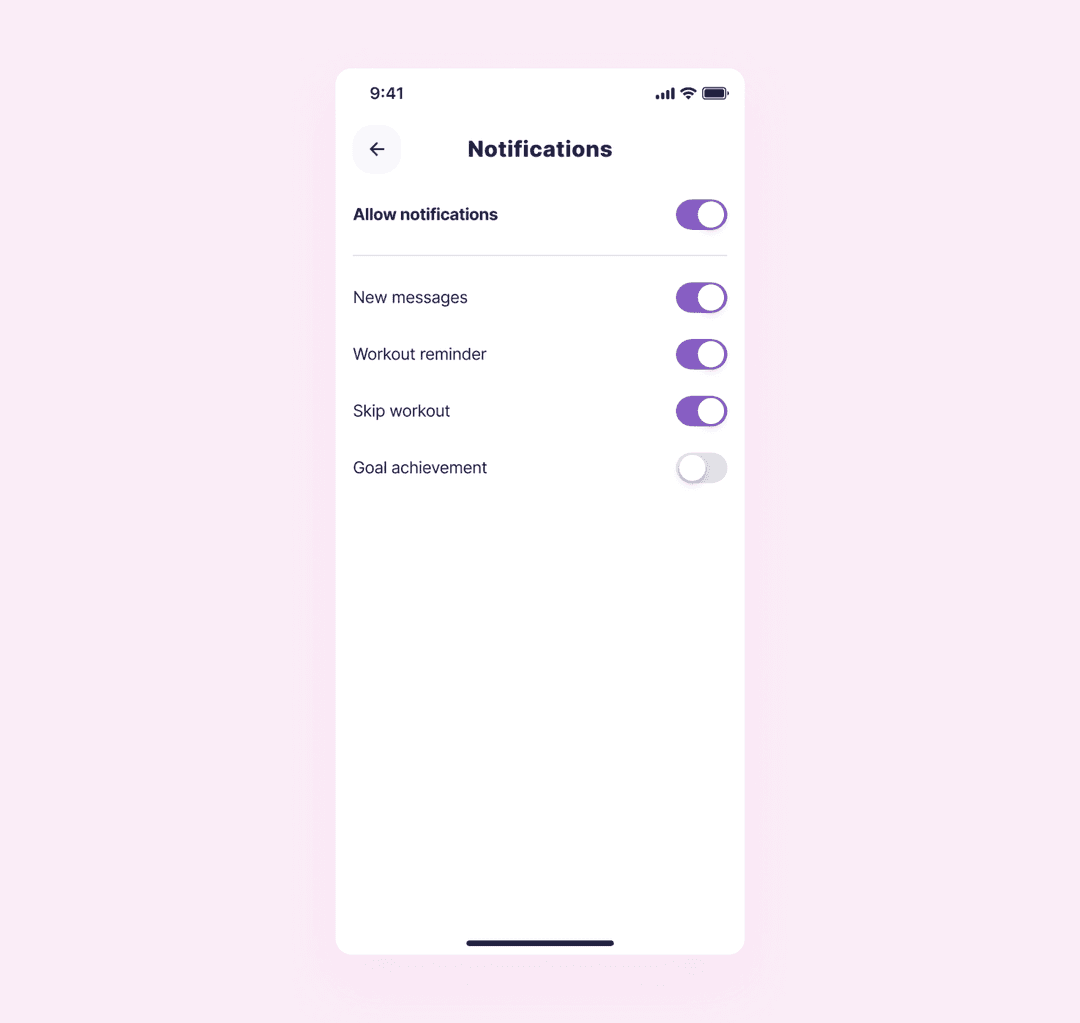
Workout reminders help people return to a planned session without keeping the fitness mobile app open. A customizable push notification system lets users choose which reminders they receive, so messages support their routine rather than impose one.
Implementation connects those preferences to notification permissions and delivery behavior. The work therefore includes deciding when a reminder is sent and honoring the user’s choices, not just writing a motivational message for the screen.
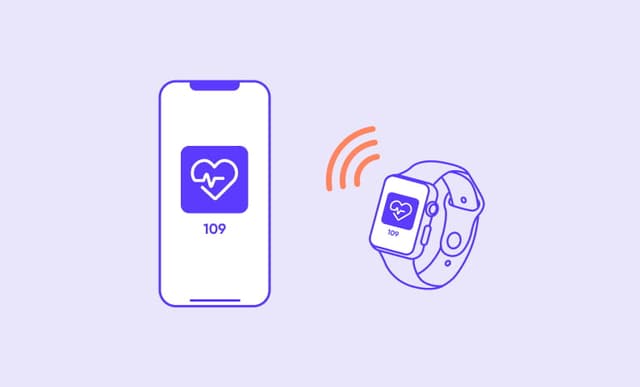
Wearable technology lets a person use readings from their smartwatch or fitness tracker inside the app, without entering each result after a session. Synchronization brings those readings into the same tracking screens as the rest of their training history.
The scope of wearable device integration depends on which devices the product supports and what sensor data they make accessible. That list defines the connections developers implement and the devices they test, so it belongs in the estimate rather than being treated as a single universal integration.
Advanced features add a different kind of interaction to the core training routine: a live session with a coach, a meal plan, or a challenge with friends. Each brings work beyond the workout library itself. The estimates below describe separate extensions, not a requirement to include every option in the first release.
| Feature | Existing estimate | Main additional work |
| Geolocation | $2k | Location permissions/data and maps |
| Meal plan and calorie counting | $50k | Nutrition data and personalized plans |
| Live streaming | Not estimated here | Session flow, load and media delivery |
| Educational content | $20k | Content delivery and recommendations |
| Gamification | $25k | Challenges, achievements, progress |
| Mentors | $20k | Coach access and supervised workflows |
| Chat | $15k | Messaging, privacy preferences, interaction |
Geolocation helps users find nearby gyms or map an outdoor workout through the Global Positioning System (GPS). Finding a place and recording a route are different scenarios, so the team defines which map behavior the product actually needs.
Location permissions and clear opt-in controls let people choose when tracking runs. Secure data handling is part of that implementation, rather than something added after the route screen is designed.
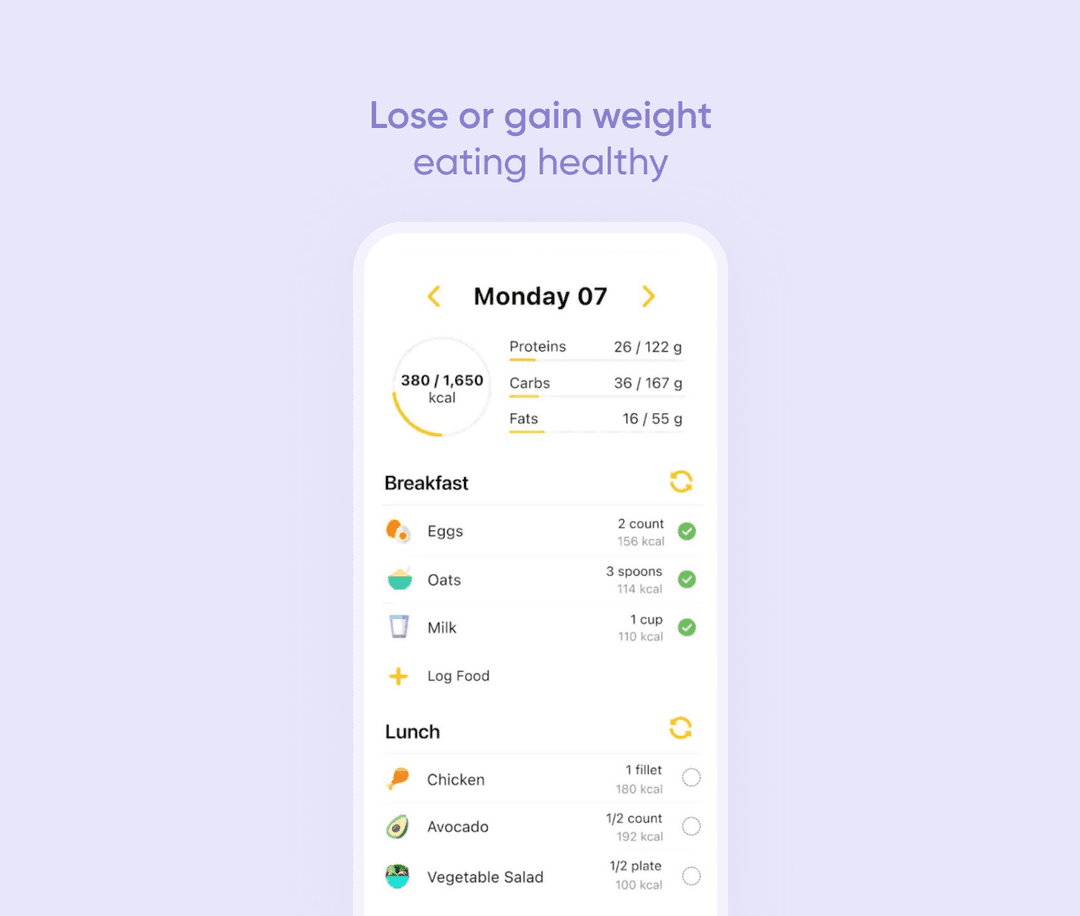
Meal planning connects dietary preferences and restrictions with the user’s fitness goals. A plan aimed at weight loss calls for different suggestions from one aimed at muscle gain, so personalization affects more than the layout of a meal diary.
Calorie counting then records daily food intake through a searchable food database, with barcode scanning as another input route. The app presents those records in daily intake views. Nutrition data and recommendation logic account for the work behind those screens.
Live streaming lets users join a workout while a trainer is teaching it, rather than follow a recording alone. The product needs a way for trainers to schedule and host sessions and for participants to find and join them.
Replay access adds a separate on-demand path for people who miss the broadcast. Expected attendance and recording requirements therefore shape both media delivery work and operating costs.
Educational content helps users understand the technique or nutrition advice behind their routine. Articles explain a topic in detail, videos demonstrate exercises, and audio offers another way to follow the material. The chosen formats determine what the app stores and presents.
Recommendations based on a user’s profile or workout history help them find relevant guidance. For example, strength-training activity can inform suggestions about recovery or protein intake. That selection logic needs its own implementation alongside the content catalog.
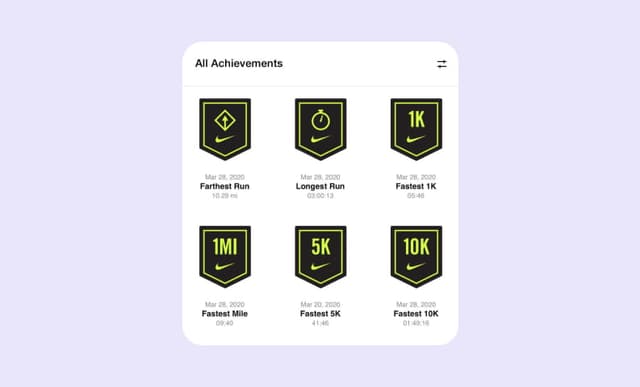
Gamification gives recorded activity a visible result through progress views, achievements, or challenges. A leaderboard adds a comparison with other participants. In Nike Run Club, users can set a distance and date and invite friends to compete.
To build that interaction, the team defines who participates, what counts toward the goal, and how results are compared. Keeping those rules consistent across participants is the development task behind the medal graphic.
A personal trainer helps a beginner understand how to structure a workout and follow its exercises. The mentor reviews progress and adjusts the training program, giving the user guidance beyond a pre-built plan.
For this interaction, the app defines what training information the coach can view and how they send advice back. Supervised online workouts add another way to work together, so the estimate depends on the agreed coach workflow.
Chat gives users a place to share a completed workout or discuss their results without leaving the app. A conversation with a friend supports social interaction, while a coach conversation connects the result to training guidance.
These uses need different access permissions. Messaging rules and privacy preferences define who can contact whom and what information they can share, keeping a personal training discussion distinct from sharing a result with friends.
AI recommendations and augmented reality exercise guidance are further optional scope choices, each requiring separate assessment before the team can estimate the work. A subscription business model concerns paid access, not an automatic inclusion of these capabilities.
As we showed before, we developed a fitness app to connect personal trainers with users for online workouts. The app serves both existing gymgoers transitioning to home workouts and new users looking for personalized workout plans.
Our clients already had a website. However, they were not satisfied with it, so we started the app development process from scratch.
To connect two distinct roles — coaches and athletes — we needed to develop two separate applications. We built a mobile app for users and a web app for coaches.
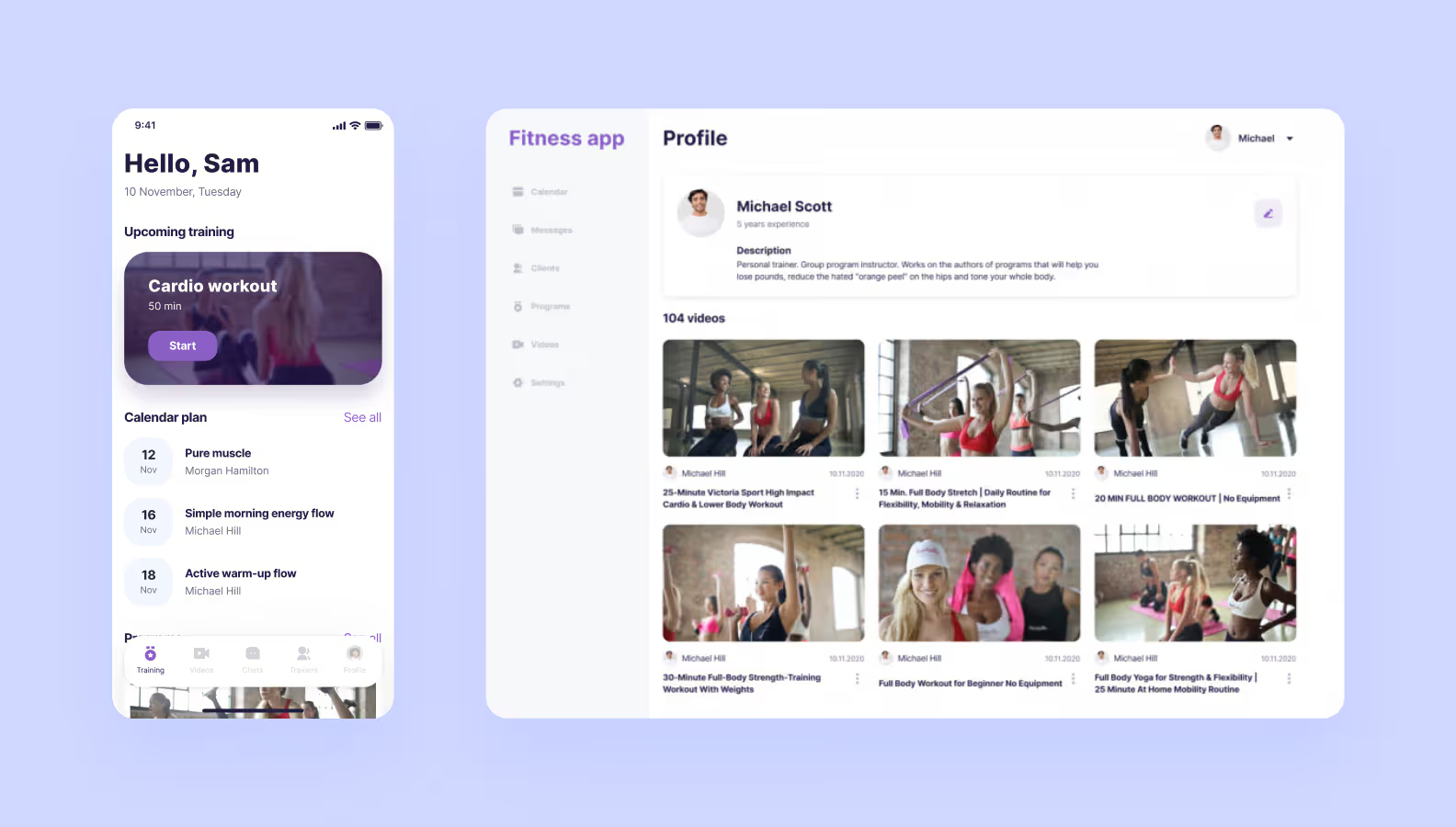
The athlete’s mobile schedule sits beside the coach’s web video catalog, showing why the two roles need different interfaces
We also added specialized features: customizable training plans and invite capabilities for trainers to interact with clients directly.
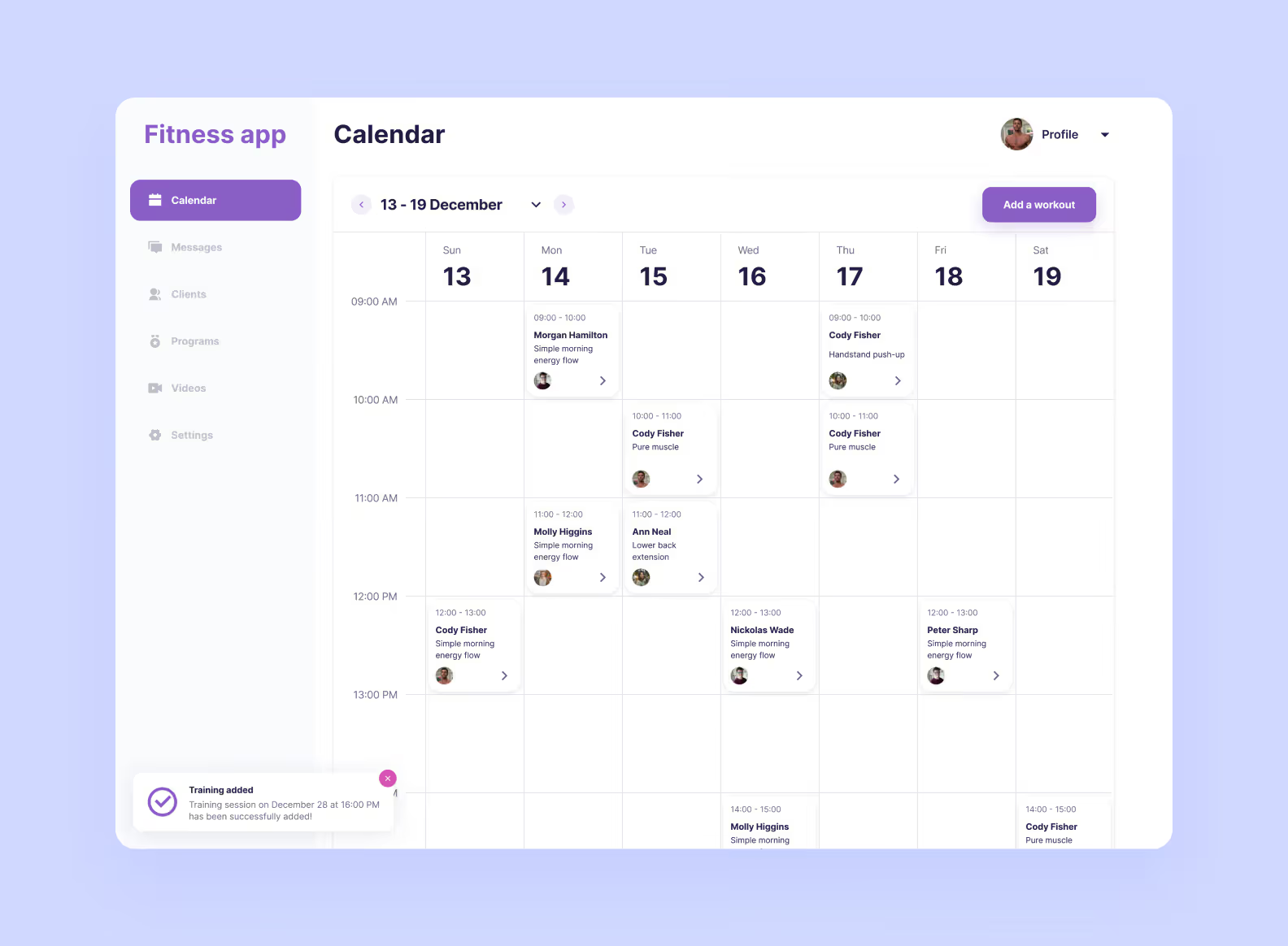
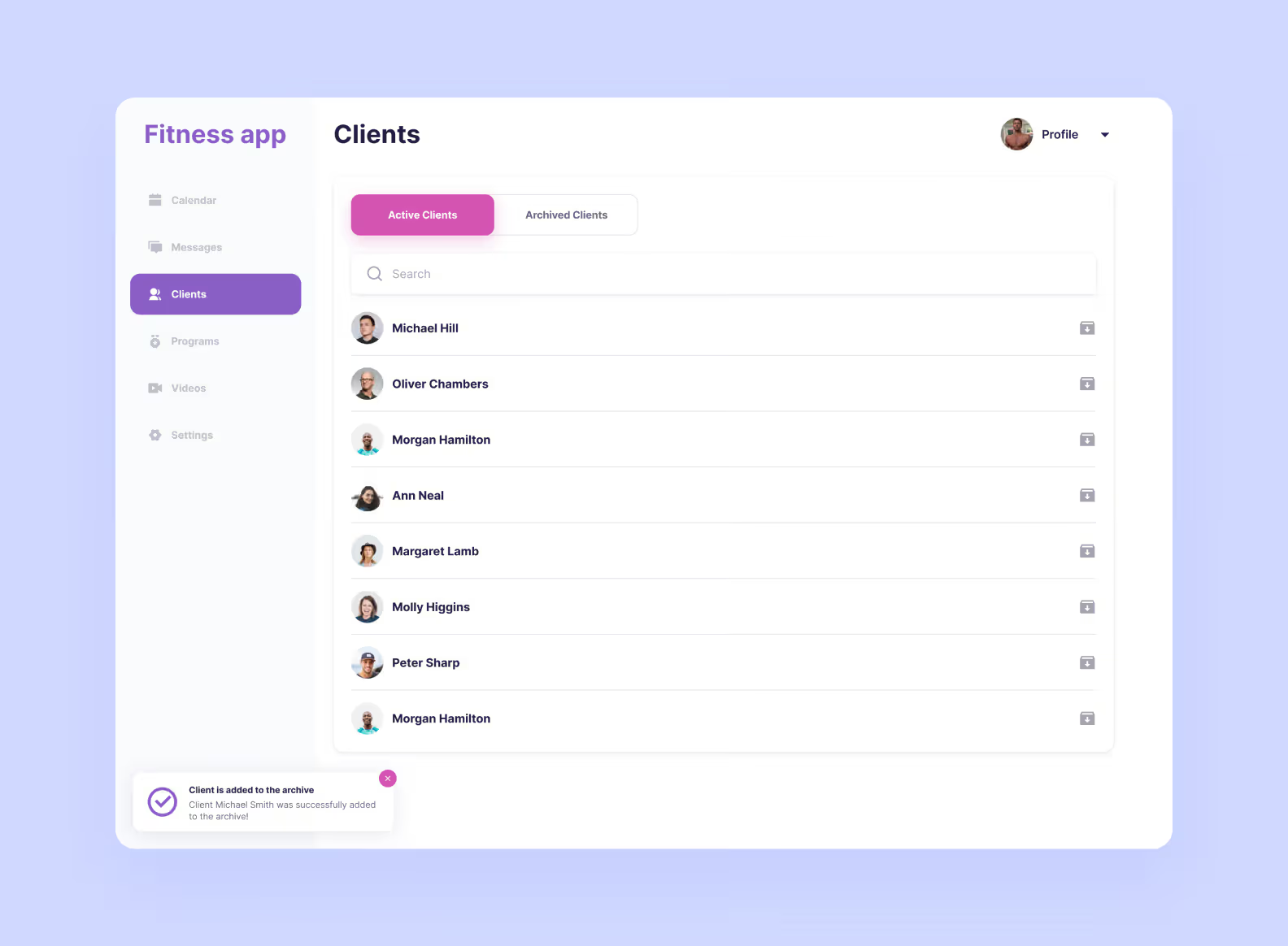
And we still managed to meet the deadlines and stay within the budget. You can learn more about this case in the link below.
A fitness app budget separates analysis, design, implementation, testing, and project management. Purrweb’s published line items total $60,300–$69,700 for this illustrated scope. This app development cost breakdown shows the work and responsibility behind each amount, rather than a set of interchangeable pricing packages.
| Stage | What it covers | Person-hours | Calendar estimate | Roles | Estimate, USD |
| Project analysis | Requirements, project assessment and scope assumptions | 20 | 1 week | Analyst / project manager | $700 |
| UI/UX design | User flows, screens, prototype and handoff | 120 | 4 weeks | UI/UX designer | $6,000 |
| App development | Agreed mobile app and backend scope | 800–900 | 9–10 weeks | Mobile and backend developers | $40,000–$45,000 |
| QA testing | Functional, integration and regression checks | 270–300 | Alongside development | QA engineer | $8,100–$10,000 |
| Project management | Planning, scope coordination, delivery communication | Throughout the project | Throughout the project | Project manager | $5,500–$8,000 |
| Total of the published line items | Illustrated scope, not every optional feature | 1,210–1,340 excluding project management | Approximately four months with overlapping work | Cross-functional team | $60,300–$69,700 |
The calculator gives a starting estimate, not a confirmed quote. Supported devices and content workflows provide the detail the team needs to refine that estimate. The development cost per stage and development time answer different questions: money spent on the work versus elapsed time before delivery.
Your launch budget is not your operating budget. Hosting, content delivery, integrations, ongoing fixes, and customer support continue after the initial build. The table separates these recurring costs by the usage that drives them and the person responsible for checking the assumptions before launch.
| Item | What increases the bill | Budget owner | Control before launch |
| Hosting and storage | Users, media, retention | Product owner + technical lead | Define load/retention assumptions |
| Video delivery | Minutes, resolution, live sessions | Product owner + content lead | Separate live and on-demand usage |
| Third-party services | API calls, messages, analytics | Technical lead | Check paid usage limits |
| Payments and distribution | Sales route and provider/store terms | Finance + product owner | Confirm applicable fees |
| Maintenance and support | OS/device updates, bugs, requests | Delivery lead + support | Agree support vs new features |
A cost per message or video minute is meaningful only alongside expected usage and the provider's terms. What your app needs after release therefore depends on how people use it. Maintenance and support are separately contracted services, not an automatic inclusion in the development price.
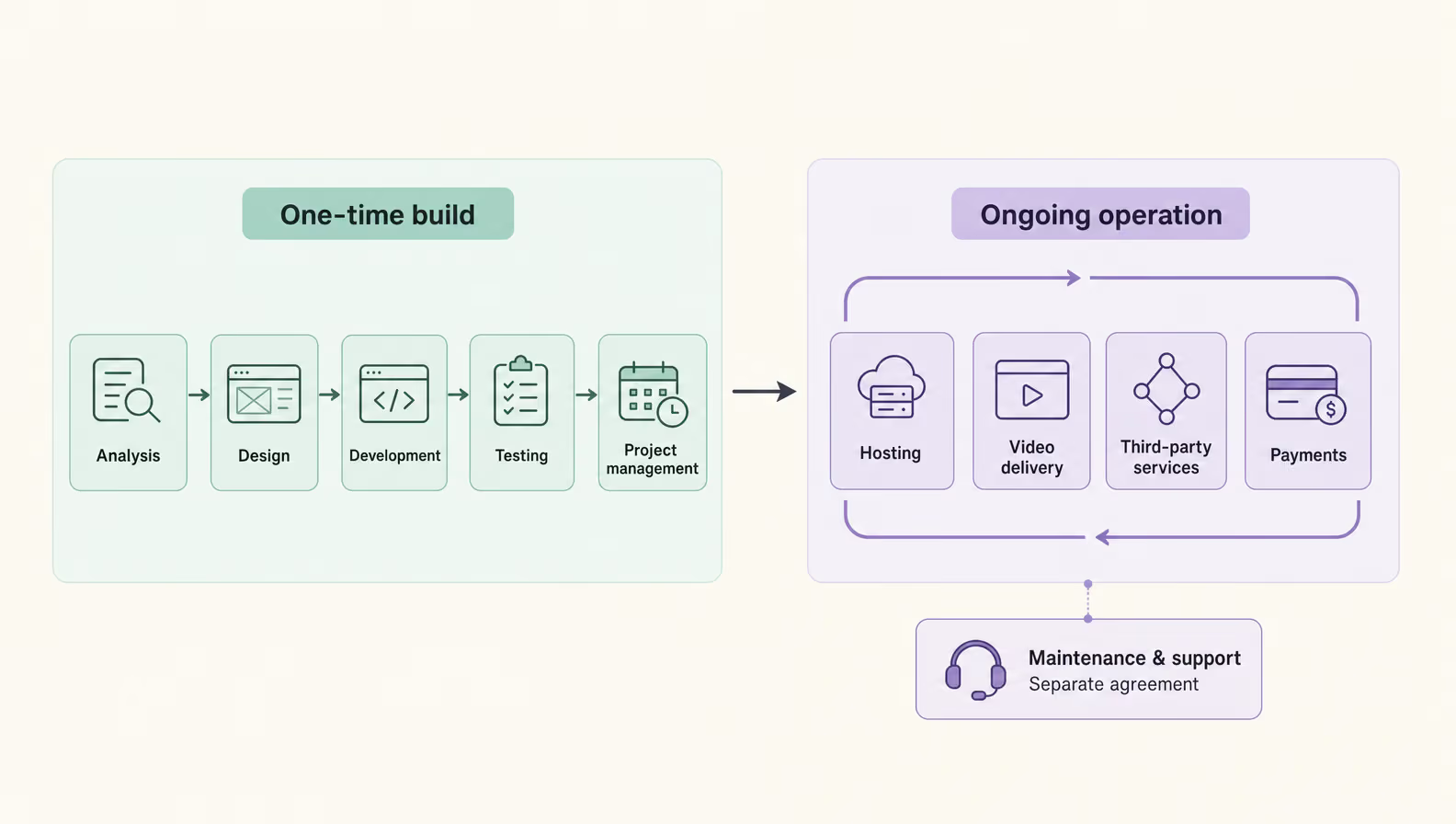
The arrow marks the transition from delivery to operation, not a fixed cost split or support bundled into the development price
Defined scope helps reduce the cost to build an app by limiting rework before implementation begins. Your product goal defines which work belongs in the cost of a fitness app, rather than using less testing to cut the estimate. These three decisions clarify what belongs in the first release and what waits for evidence from users.
Planning a fitness platform defines who the application serves, which problem it solves, and what the fitness app requires. Examples of an app like yours help make those requirements concrete. Your business model and feature priorities give the development process a clear target, reducing refinements caused by unresolved requirements.
Discovery uses market research to test the user task and whether expected revenue covers the cost of acquiring and serving a customer. A landing page also collects interest before implementation, giving you evidence to refine the concept before committing the larger development budget.
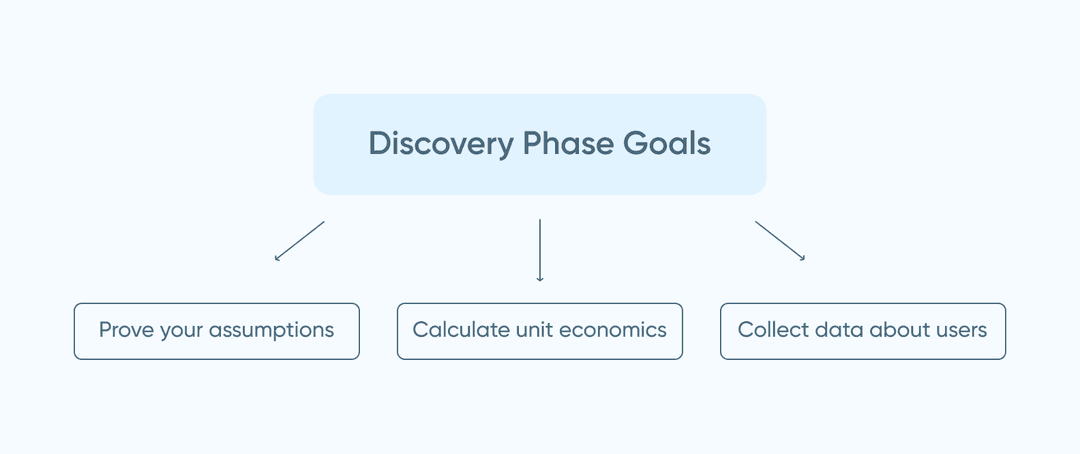
Discovery connects user research with unit economics before the team commits to implementation
A minimum viable product (MVP) handles one testable user task with limited integrations. A basic fitness app leaves additional device or coach workflows for later, using feedback to prioritize expansion rather than building every possibility immediately.
A revenue model changes how users access your app and what the team implements around payment. The choice isn't just commercial positioning. Each model introduces different access rules or integrations. Agreeing it before development puts those requirements in the estimate rather than adding them later.
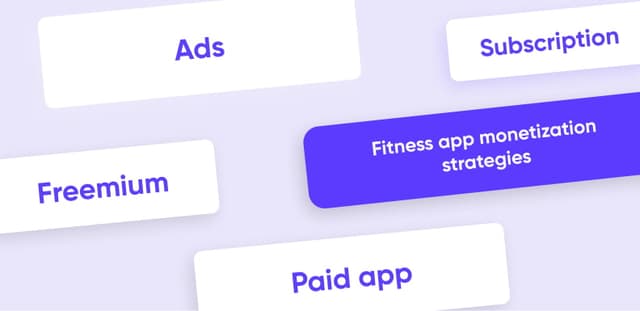
The revenue model determines how users access free and paid functionality
Advertising keeps access free while brands pay for exposure. Implementation covers ad delivery and placement in the user experience, with formats chosen so they don't interrupt a workout.
A paid app charges for access through its chosen sales route. Your scope defines what the purchase unlocks and how access works, including any trial or additional in-app purchases.
A subscription business model grants access while a recurring plan remains active. Development covers billing status and renewal behavior, with trial access handled explicitly rather than assumed to match a paid subscription.
Freemium leaves basic functions available without payment and reserves selected capabilities for paying users. The implementation distinguishes those permissions, so users see which training options they can access before upgrading.
A fitness app budget becomes useful when it describes the training experience being built, not just a list of screens. Workout videos, wearable readings, and coach interactions each bring different implementation work. Defining that experience first gives the team a basis for estimating the release.
The figures in this article show how those choices change scope, rather than one price that fits every product. A project quote still needs to state what it includes, while hosting, content delivery, and support need room in the operating budget after launch. Assessing the investment means comparing the cost of fitness app development with the revenue and operating assumptions, not just the build total.
➡️ Building a fitness app? We’ll discuss your training features, supported devices, and budget with you. Fill out the form for a free project estimate within 48 hours.
Purrweb’s published stage estimates add up to $60,300–$69,700 for the illustrated project: analysis, design, development, QA, and project management. This is not a universal quote. Scope, platform, integrations, and operational services change the budget. Treat the separate feature prices as examples, not a shopping list to add to this total.
The existing Purrweb example allows approximately four months of calendar time. Its listed analysis, design, development, and QA work totals 1,210–1,340 person-hours, excluding project management hours. Several roles work in parallel, so person-hours cannot be converted directly into a single developer’s delivery schedule. Broader scope needs a separate estimate.
Plan for hosting, storage, video delivery, third-party services, maintenance, customer support, and applicable payment or distribution fees. These expenses depend on usage and provider terms. Separate the operating budget from the initial build and agree which support tasks are included before signing a development contract.
A fitness app can be profitable, but development spending alone does not determine the result. Revenue depends on pricing, conversion, retention, acquisition costs, and operating expenses. Test the intended subscription, paid, advertising, or freemium model against the product’s audience before expanding its feature scope. No payback date is guaranteed.